
Everything it does
Morgen Commander shows your Second Life inventory in two panels and gives you tools to manage it, from the keyboard or the mouse. It can also keep you present in-world: chat, IMs, teleports, groups and more, without drawing the world. Click any picture to see it full size.
Jump to: panels · looking · changing · tidying · safe & offline · online · two avatars · RLV · live folders · themes · what it isn't
Your inventory, side by side
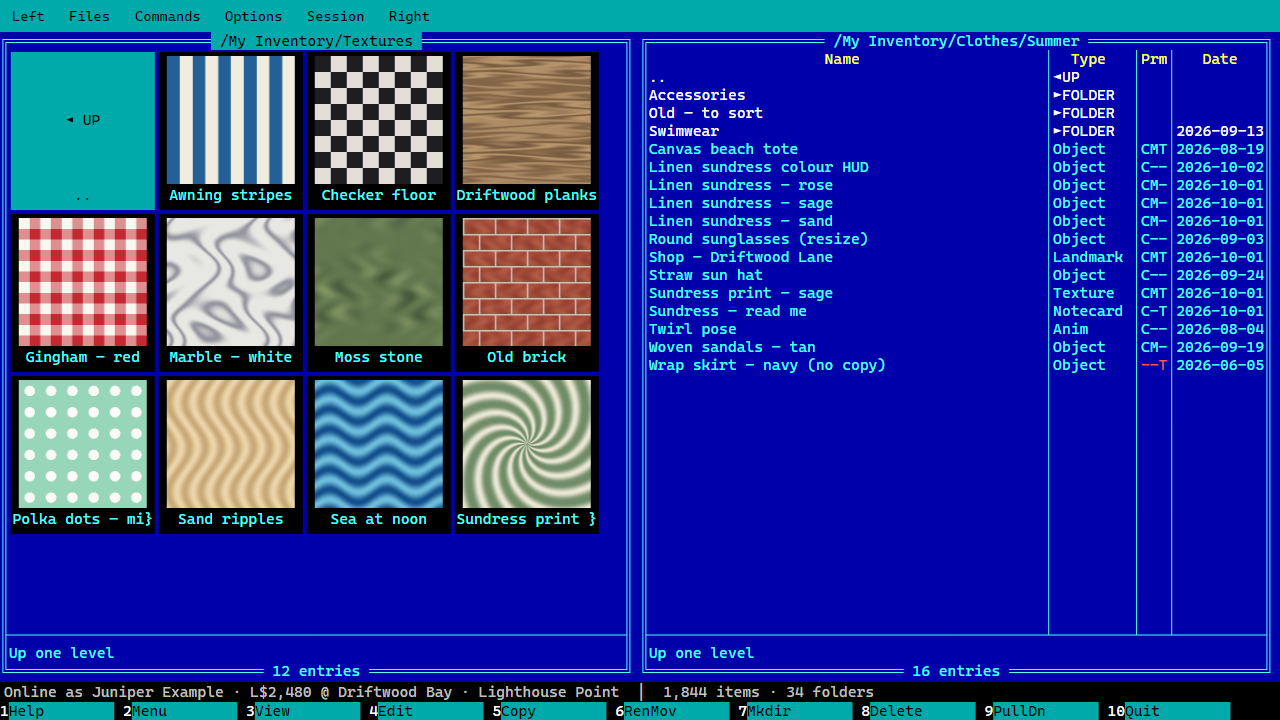
- Two panels of folders and items, with type, your permissions (copy, modify, transfer) and date.
- Enter opens, Backspace goes up, Tab switches panels. Type a name to jump to it. Or switch on Midnight Commander's Lynx-like motion: → into a folder, ← back out.
- Insert marks things. + and − select by pattern, like
*demo*. - Sort by name, type or date. By date, a folder is as new as the newest thing inside it.
- Thumbnails (Ctrl+T): see a folder of textures as pictures.
- Quick view: rest the cursor on a texture and a preview pops up.
- Every action is in the menus too (F9), and F1 lists every key.
| Key | What it does |
|---|---|
| F3 | View: read, look at, or show details |
| F4 | Edit: notecard text, script source, or properties |
| F5 | Copy to the other panel, or give to your other avatar |
| F6 | Rename or move |
| F7 | Make a folder |
| F8 | Delete, which always means move to Trash |
Read it, see it
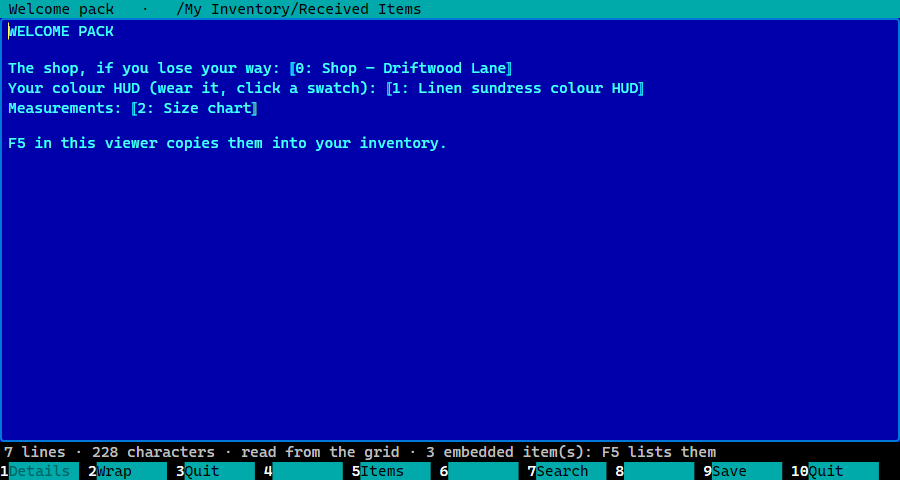
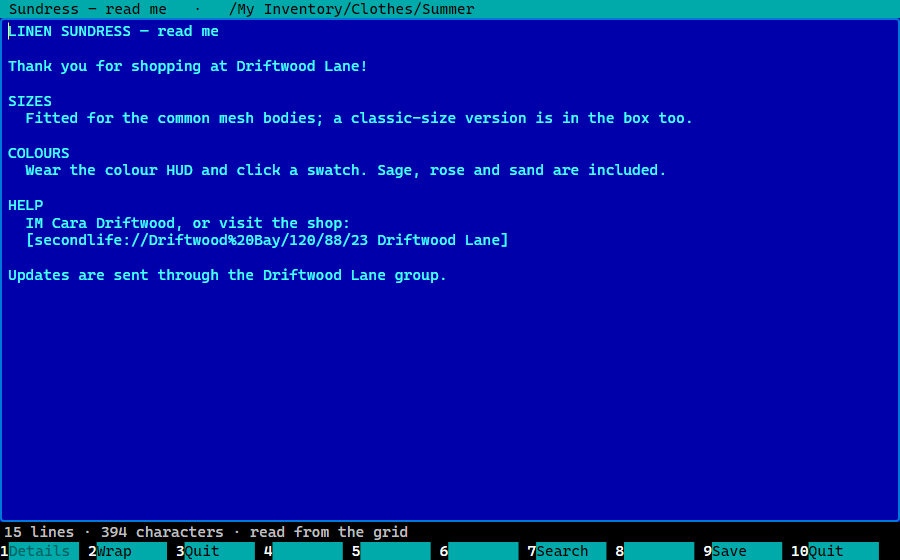
- Notecards and scripts open in a reader (F3), with search.
- Items inside notecards (landmarks, objects…) show as markers in the text, and you can copy them into your inventory.
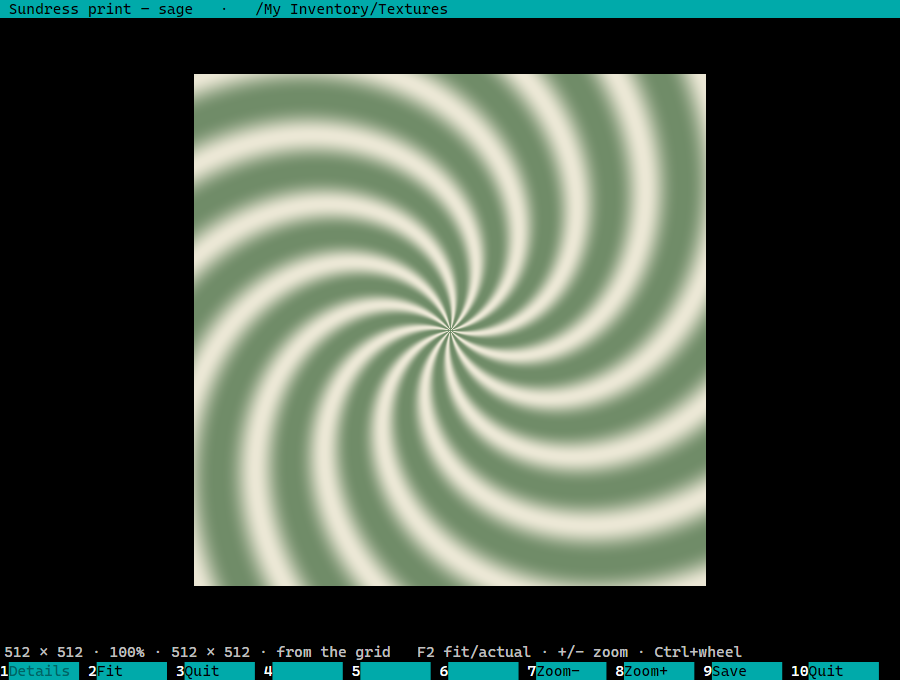
- Textures and snapshots open in a viewer: fit or actual size, zoom, and a checkerboard to show transparency. Full-permission pictures save as image files.
- Details for anything: creator, permissions, dates, where it lives.
- Anything you've opened once stays readable while you're logged out.
Edit without a 3D viewer
- Copy, move, rename, make folders and delete (to Trash): one thing or hundreds at once.
- Properties for many items at once: name, description, next-owner permissions.
- Edit notecards, including ones with items inside; the items stay put.
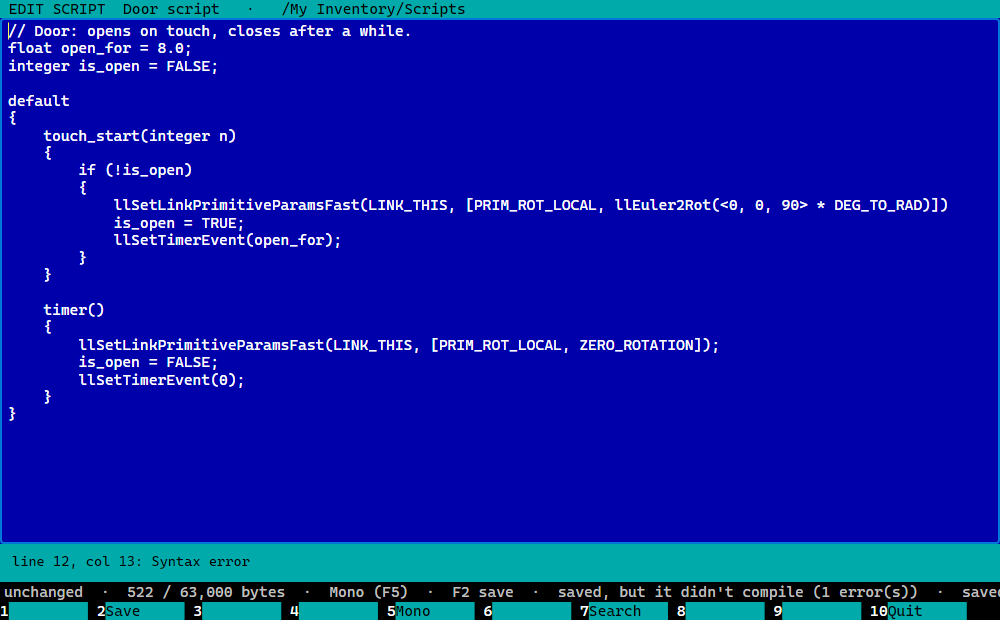
- Edit scripts. Save, and the grid compiles. Errors are listed with their line, and a click takes you there. Mono or LSL2.
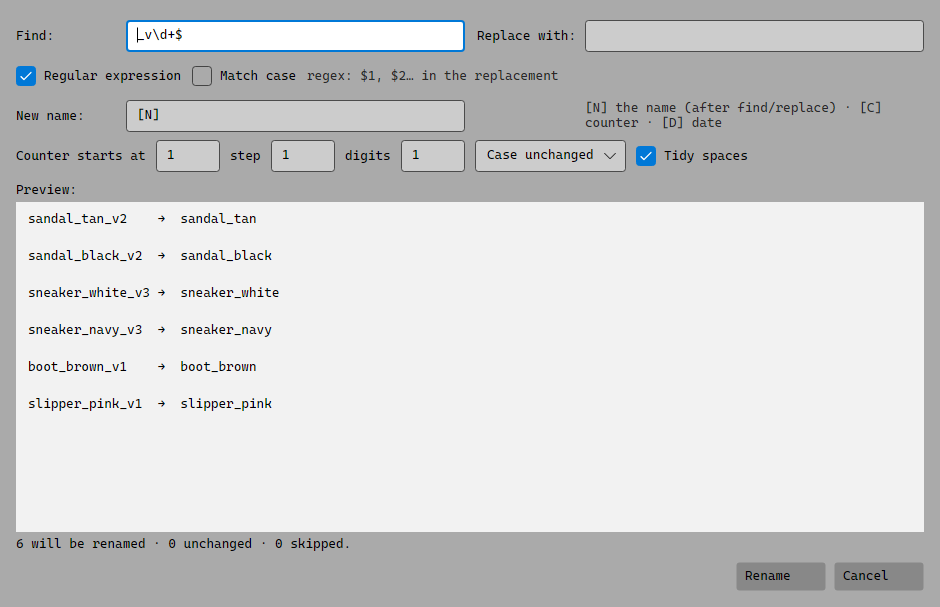
- Bulk rename (Ctrl+F6): find and replace, numbering, dates, case, with a live preview of every new name before anything changes.
Years of inventory, sorted
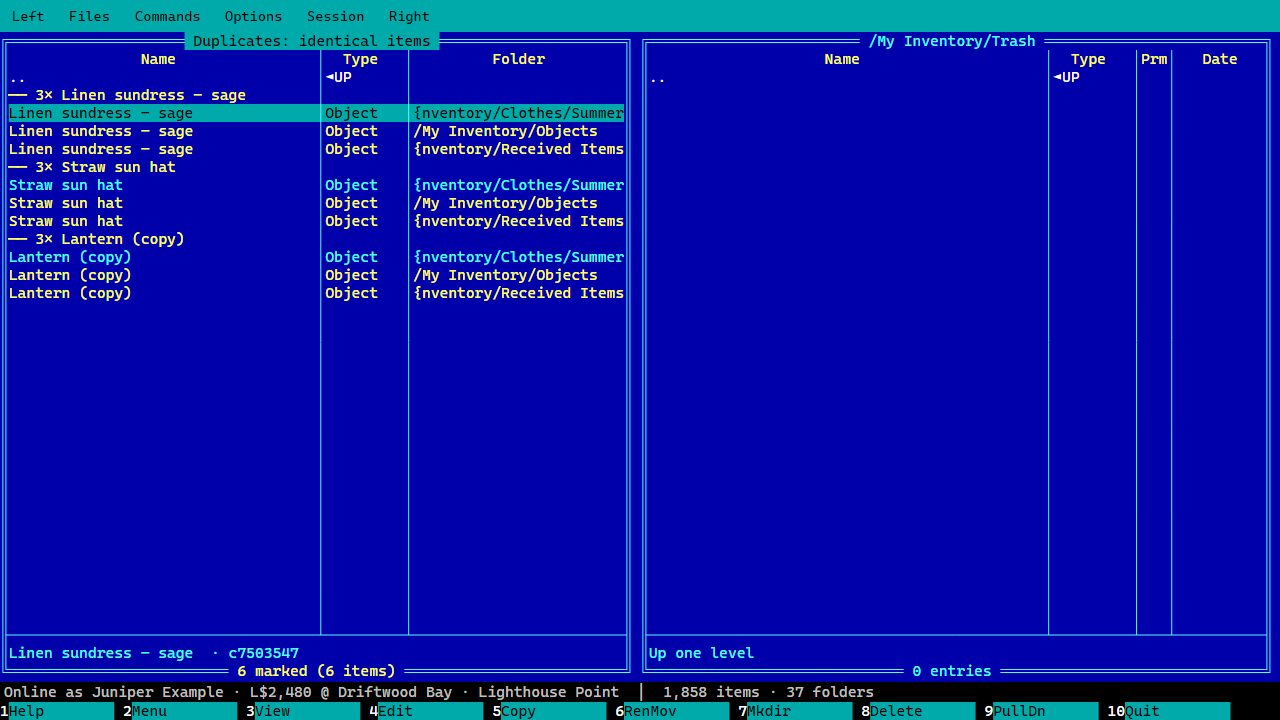
- Find duplicates (Ctrl+D): whole folders unpacked twice, true copies, near-identical names from one creator. The extra copies are marked for you to check, and anything you're wearing is never offered for Trash.
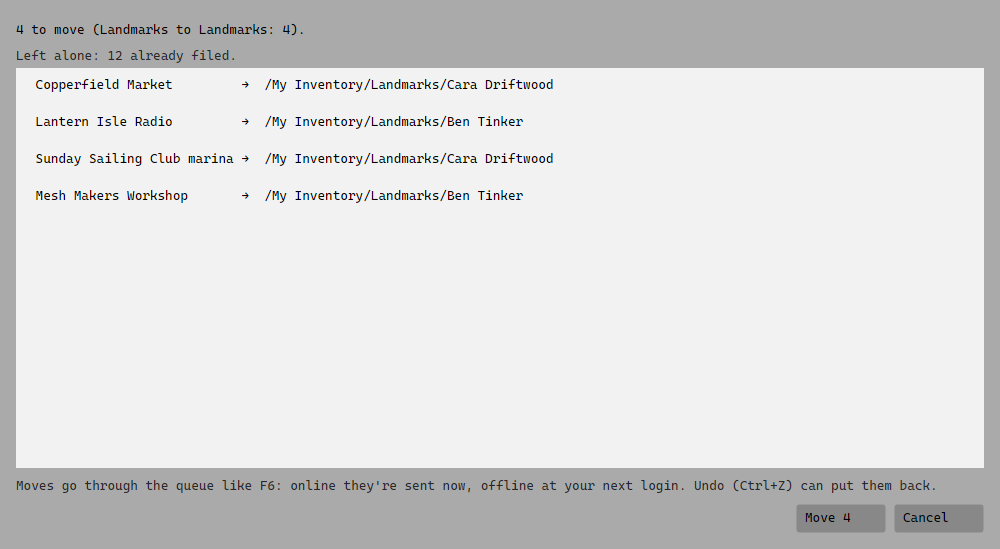
- Filing rules: "landmarks in Process Me go to Landmarks, a folder per creator". They run when you say, and you see every move first.
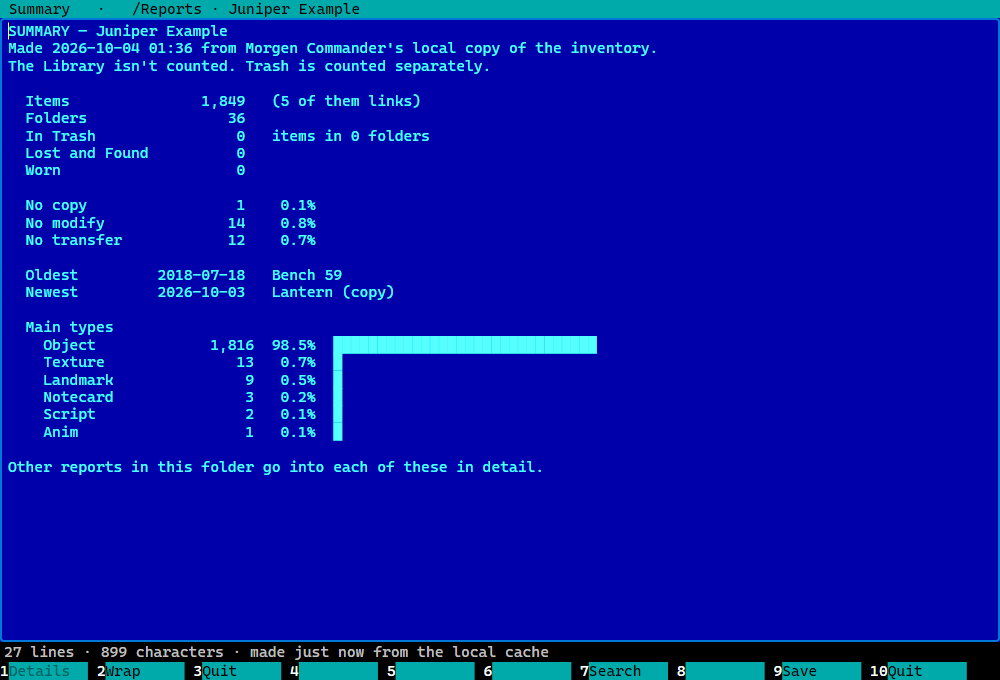
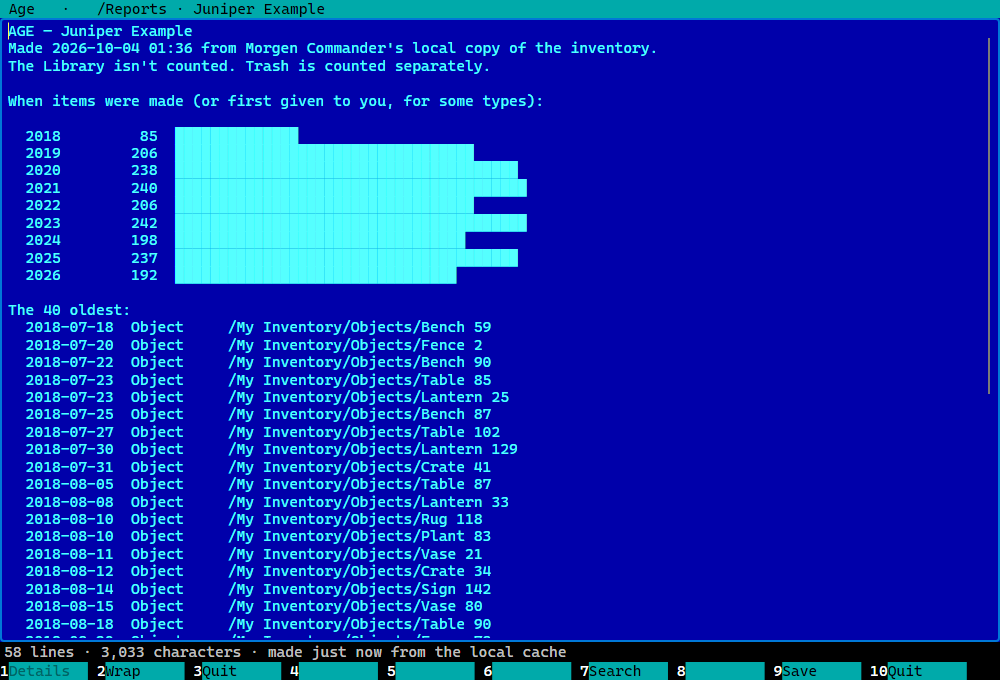
- Reports:
- a summary, and counts by type and by creator
- the biggest folders, and permissions (with a list of no-copy items)
- age, empty folders, broken links, Trash, duplicates
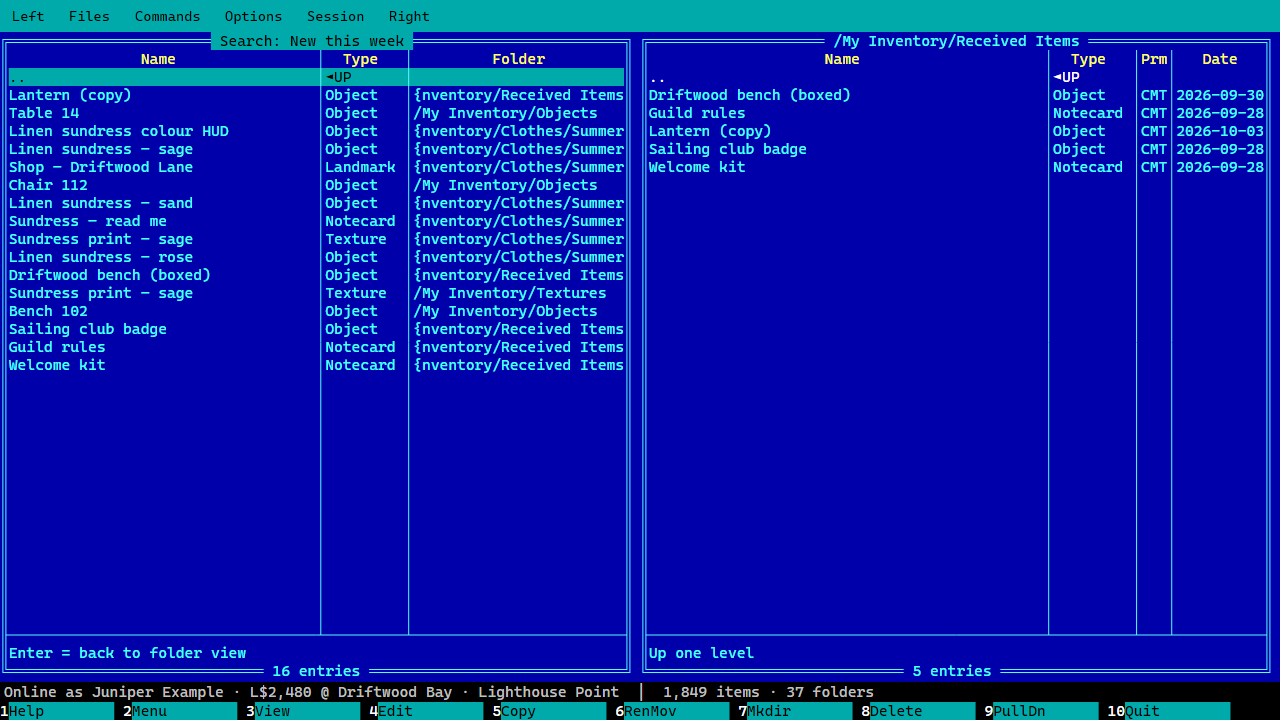
- Smart folders: saved searches that always show what matches now ("new this week", "no-copy objects", "older than five years"…).
- Undo (Ctrl+Z): put back moves, deletes, renames and edits.
Careful with your things
- Nothing is ever permanently deleted. Delete means Trash, and Trash is never emptied.
- Worn items, your current outfit, Marketplace folders, the Library and system folders are protected.
- Saved passwords go into your computer's own secure password store, never a file.
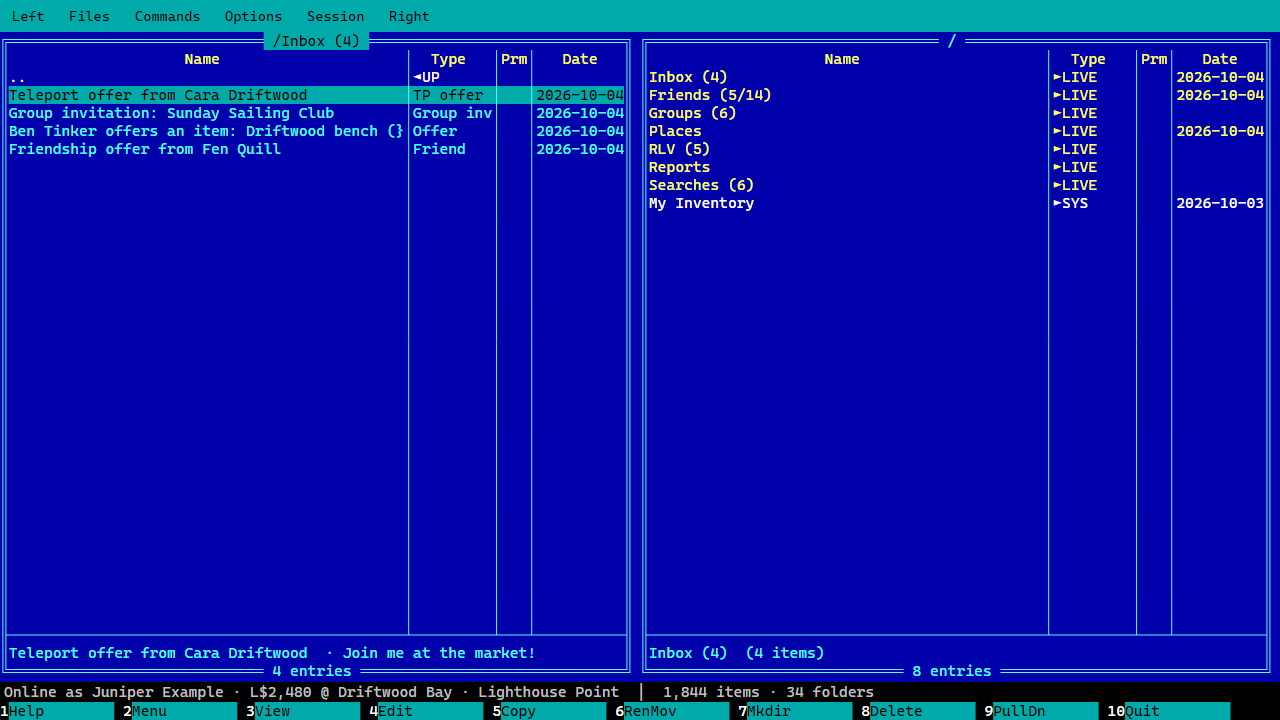
- Offers and invitations are never answered for you.
Works when you're logged out
- Your inventory is kept on your computer: browse, search and read without logging in.
- Queue changes offline; they're sent at your next login, after you've looked them over.
- If another viewer changed the same thing meanwhile, you decide, so nothing is silently overwritten.
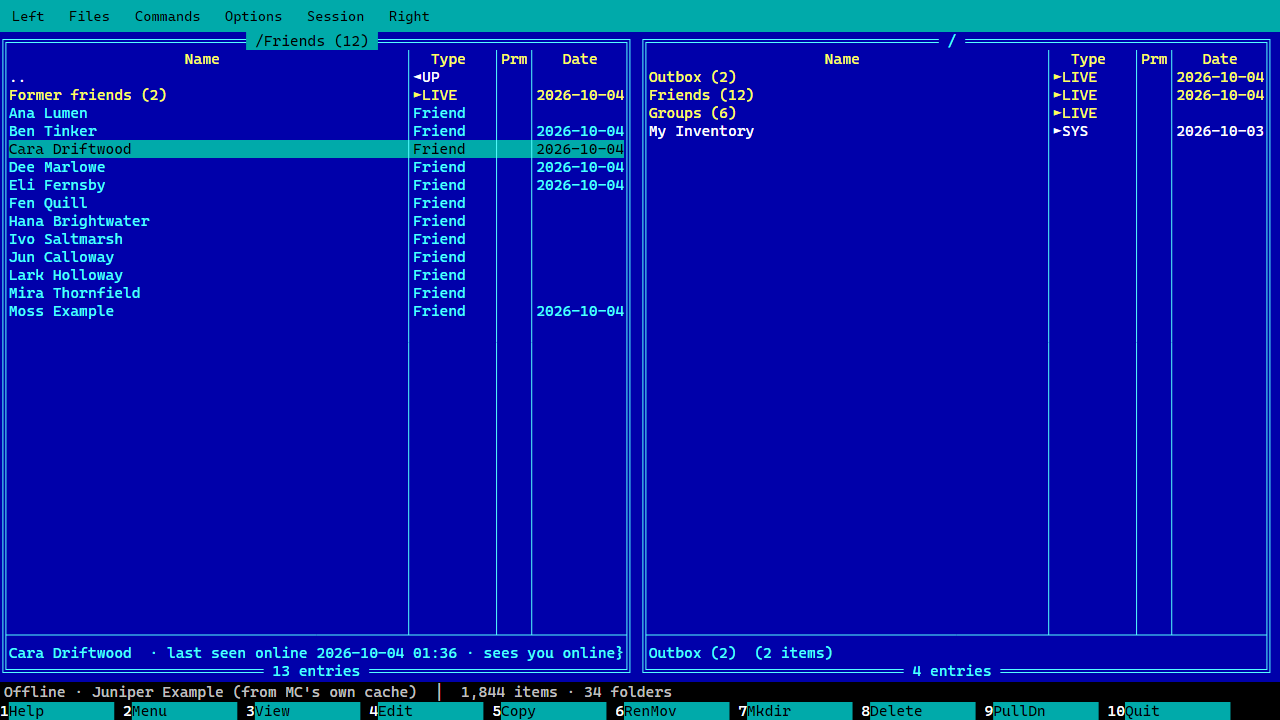
- Your Friends list stays, and IMs you write wait in an Outbox until you log in.
Present, without the weight
- Your avatar appears dressed, as your usual viewer left it.
- Teleport: Enter on a landmark, paste any SLURL, go home. A Places folder remembers where you've been.
- Inbox: teleport offers, items, group invitations and friendships waiting for your answer.
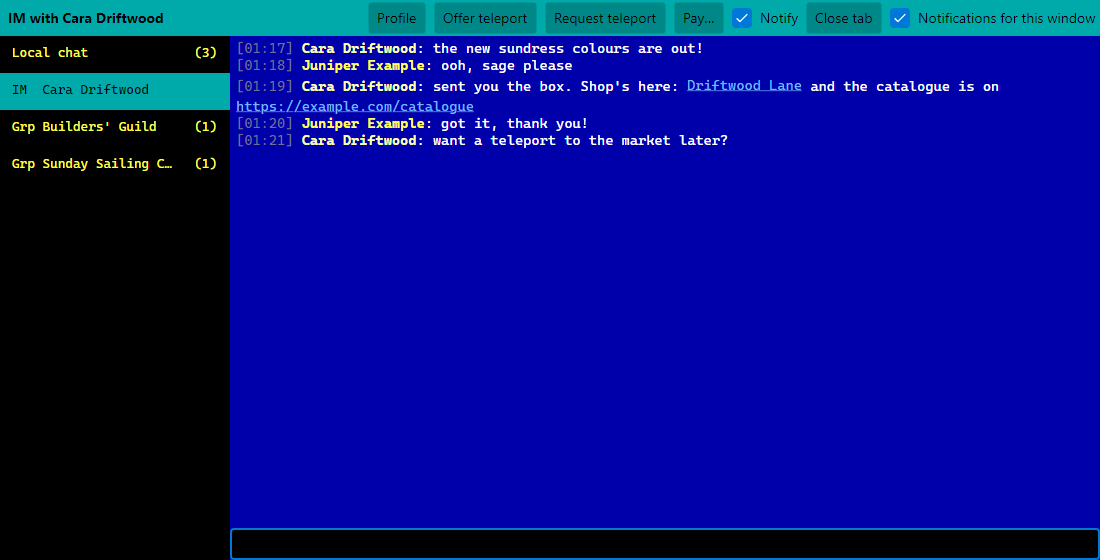
- Chat window (Ctrl+O) in IRC style:
- local chat, IMs, group chats and conferences, in tabs
/me, channels,/pay…- clickable links
- quiet group chats unless you're mentioned
- logs saved in Morgen Commander's own folder
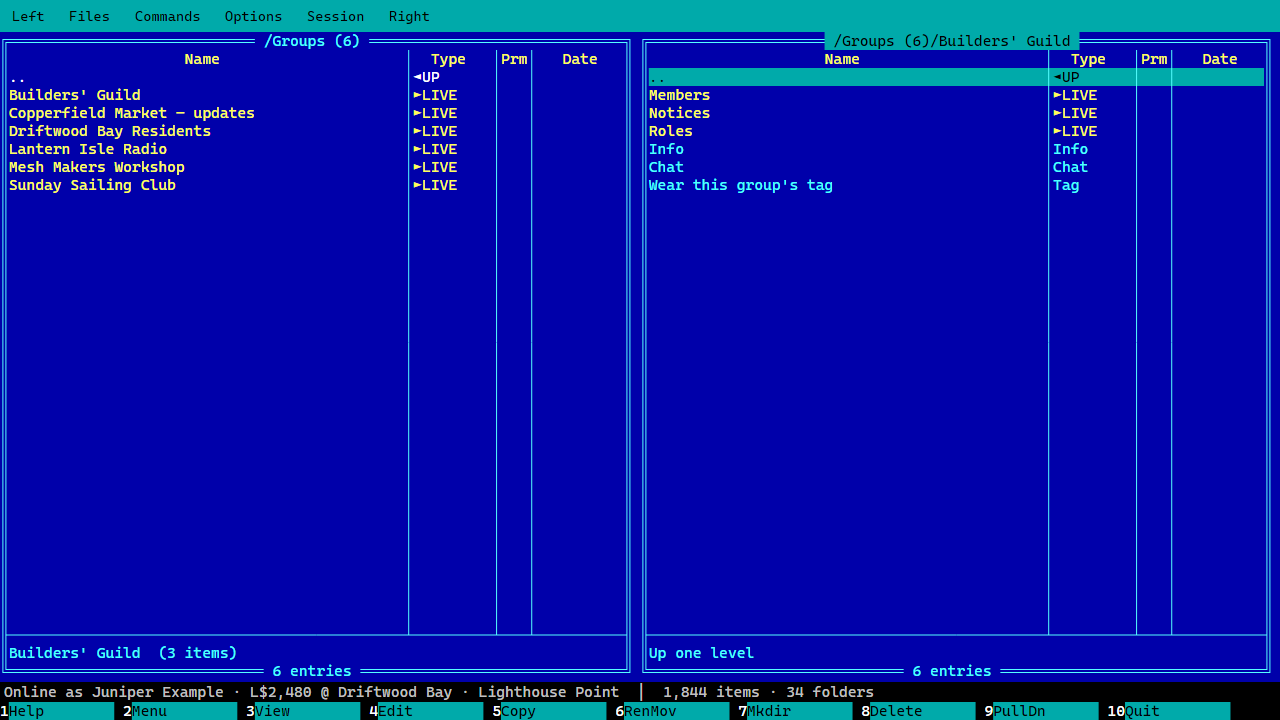
- Groups as folders: info, chat, members, roles and notices (read, attach, write). You can also choose your tag.
- Friends online first: IM, profile, offer or ask for teleports, start a conference. It also tells you when someone is no longer your friend.
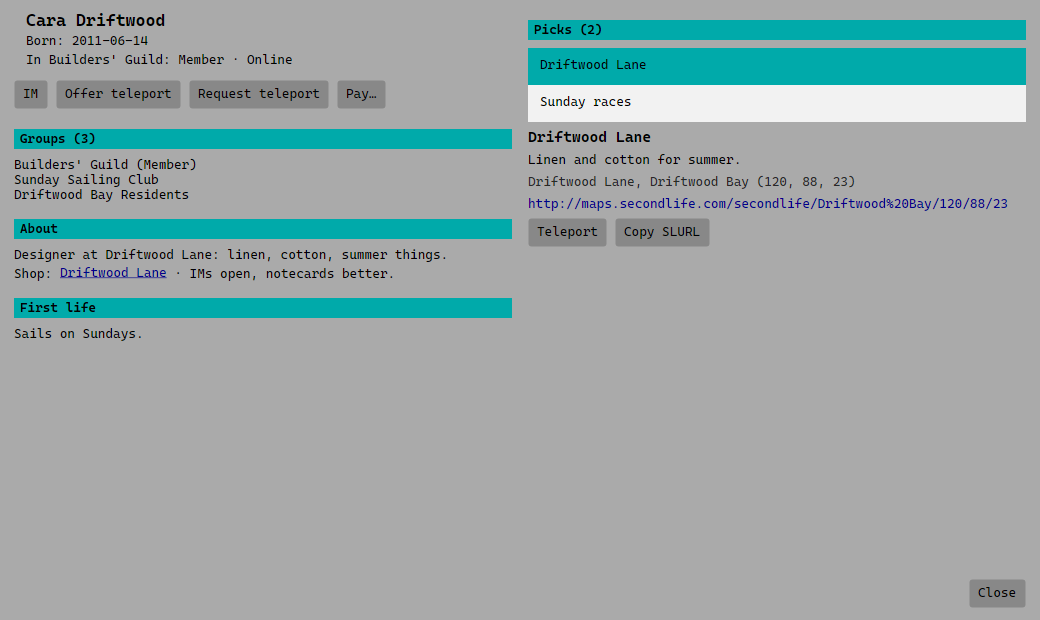
- Profiles with picks you can click through, and L$: your balance, paying with confirmation, and a log of every transaction.
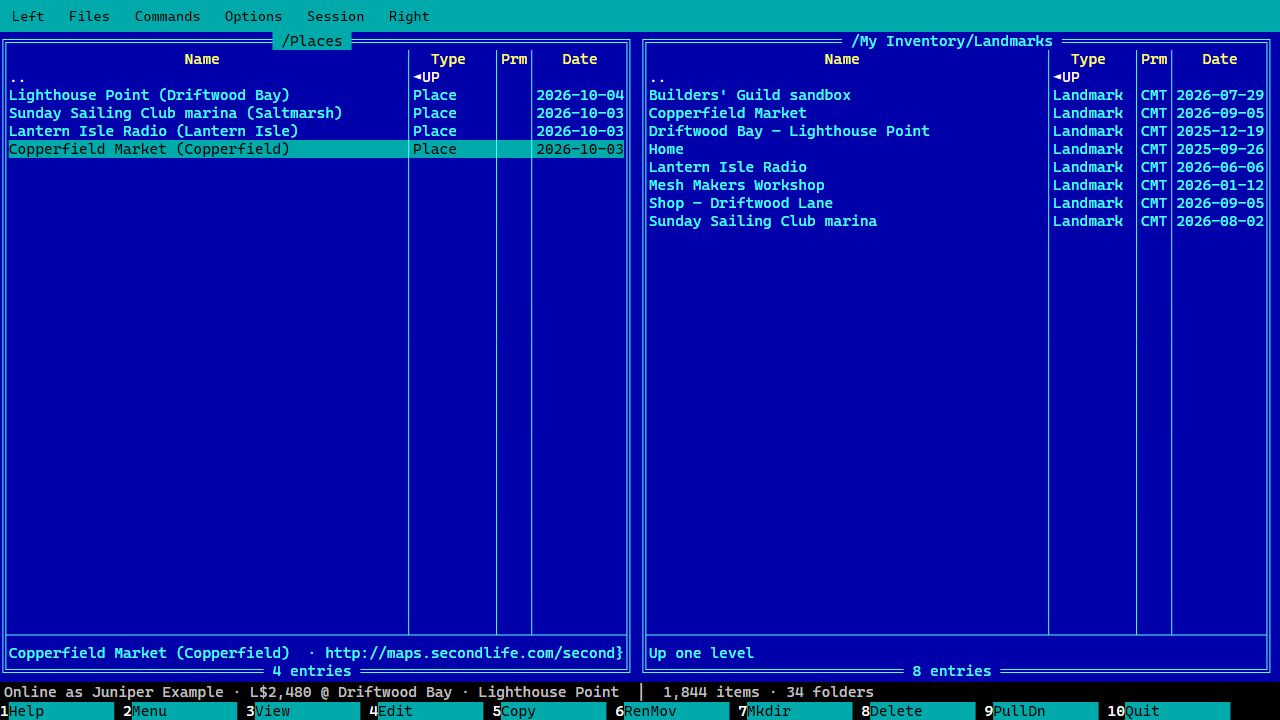
One alt in each panel
Each panel can belong to a different avatar, both logged in at the same time. F5 gives things from one to the other, straight into the folder open on the other side. Whole folders go across in one go. Copyable things are copied, no-copy things move, and you're told which first. It remembers which avatar was in which panel.
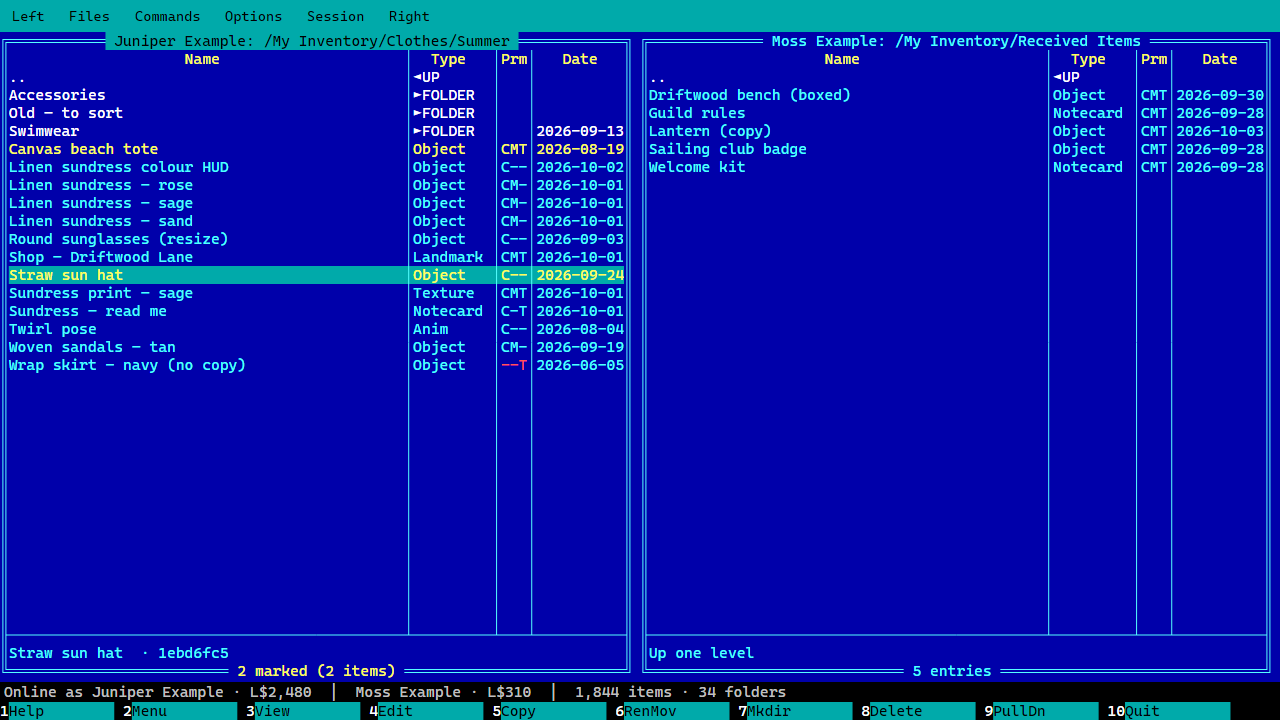
Let your HUDs drive
Switch RLV on for an avatar and its HUDs and relays can control it, as in an RLV viewer:
- tow it along with you
- restrict its chat, IMs, teleports, sitting, inventory, giving and paying
- if you allow that too, make it wear and take off things from your shared folders
An RLV folder shows who holds what, and taking an attachment off releases its restrictions. RLV is off unless you switch it on, avatar by avatar.
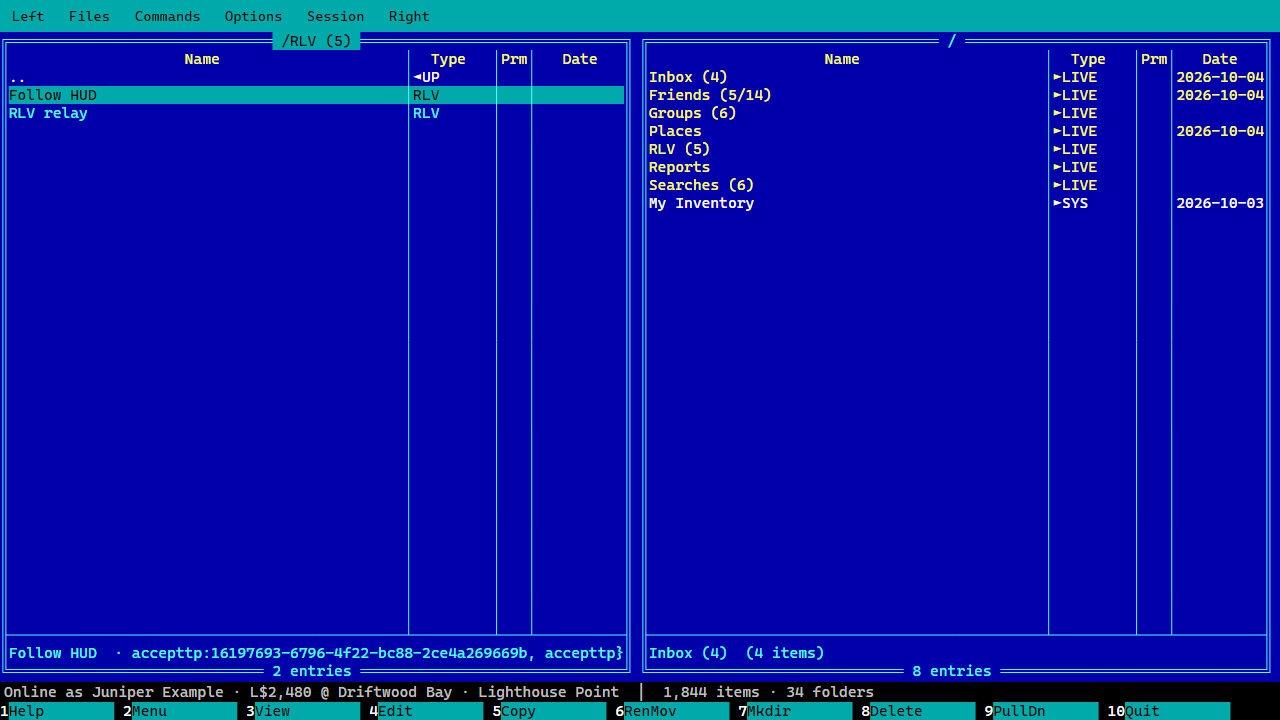
Next to My Inventory and the Library, the top of each panel holds live folders that work like any other: Enter opens, F3 views, F8 removes.
| Folder | What's in it |
|---|---|
| Inbox | Offers and invitations waiting for your answer |
| Outbox | IMs written while logged out, sent at your next login |
| Friends | Your friends, online first, plus former friends |
| Groups | Each group's info, chat, members, roles and notices |
| Places | Where you've been |
| RLV | Who's restricting what (when RLV is on) |
| Reports | Reports about your inventory |
| Searches | Your smart folders |
Themes and preferences
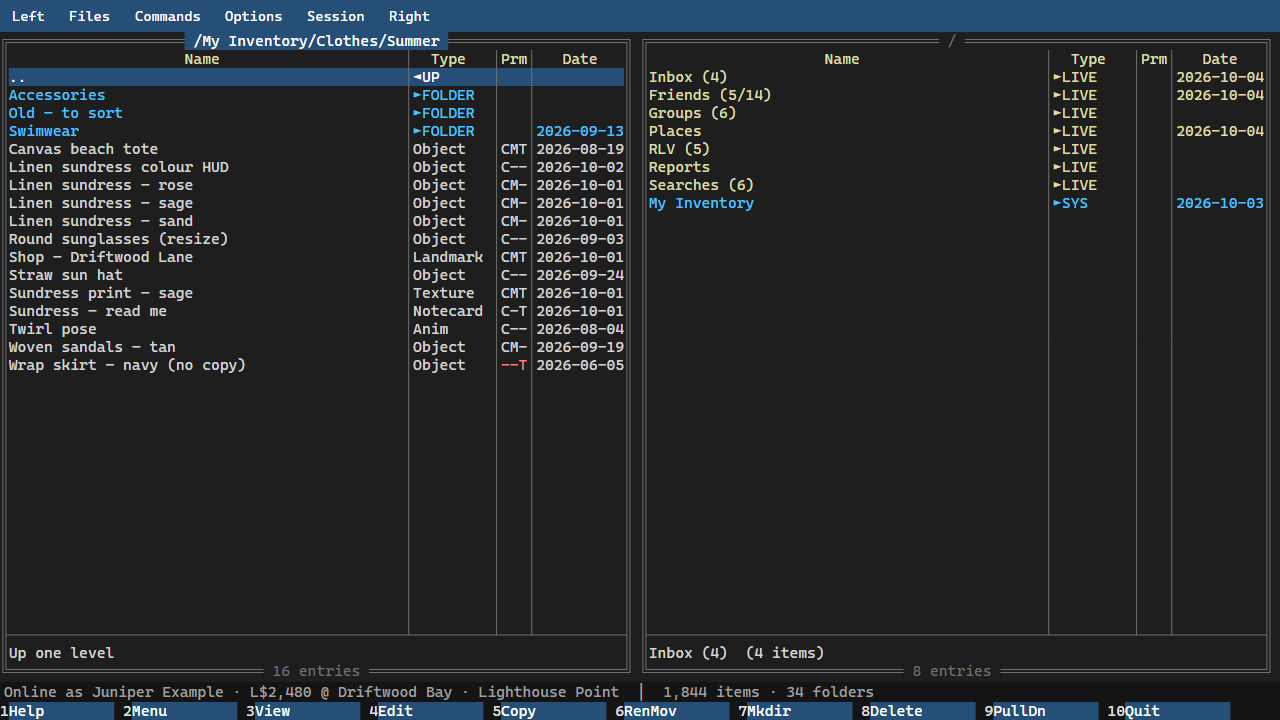
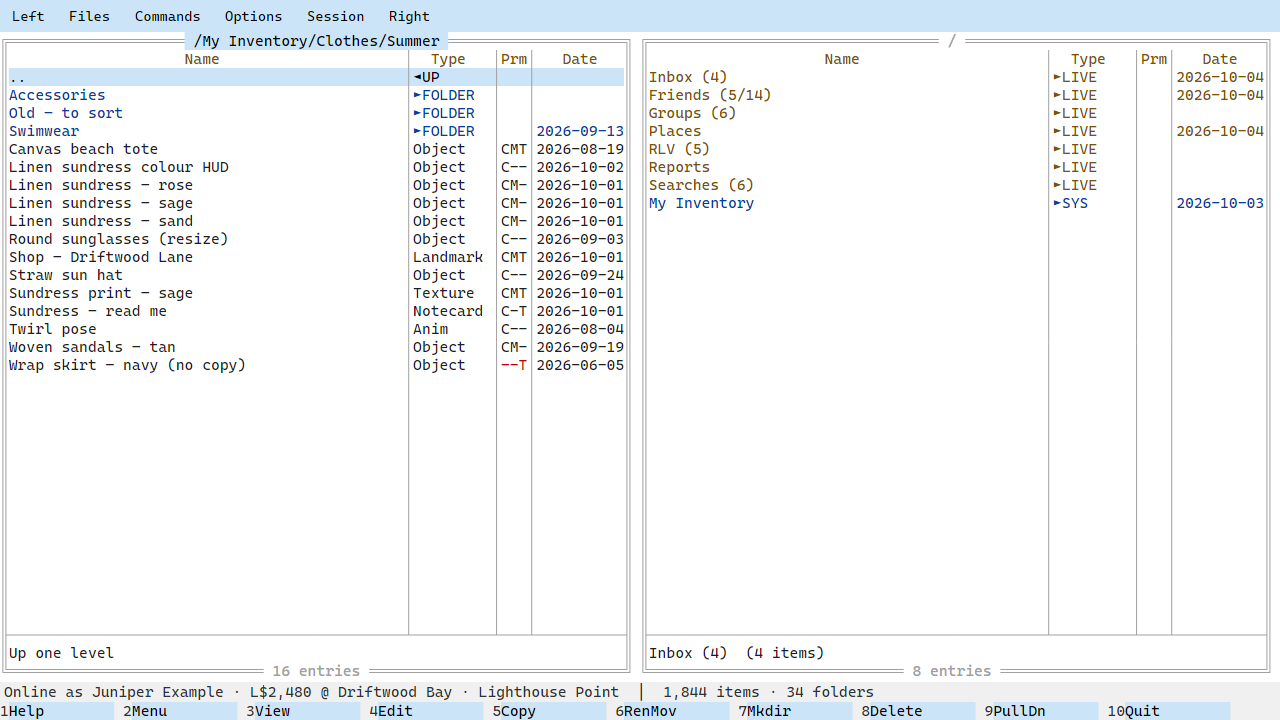
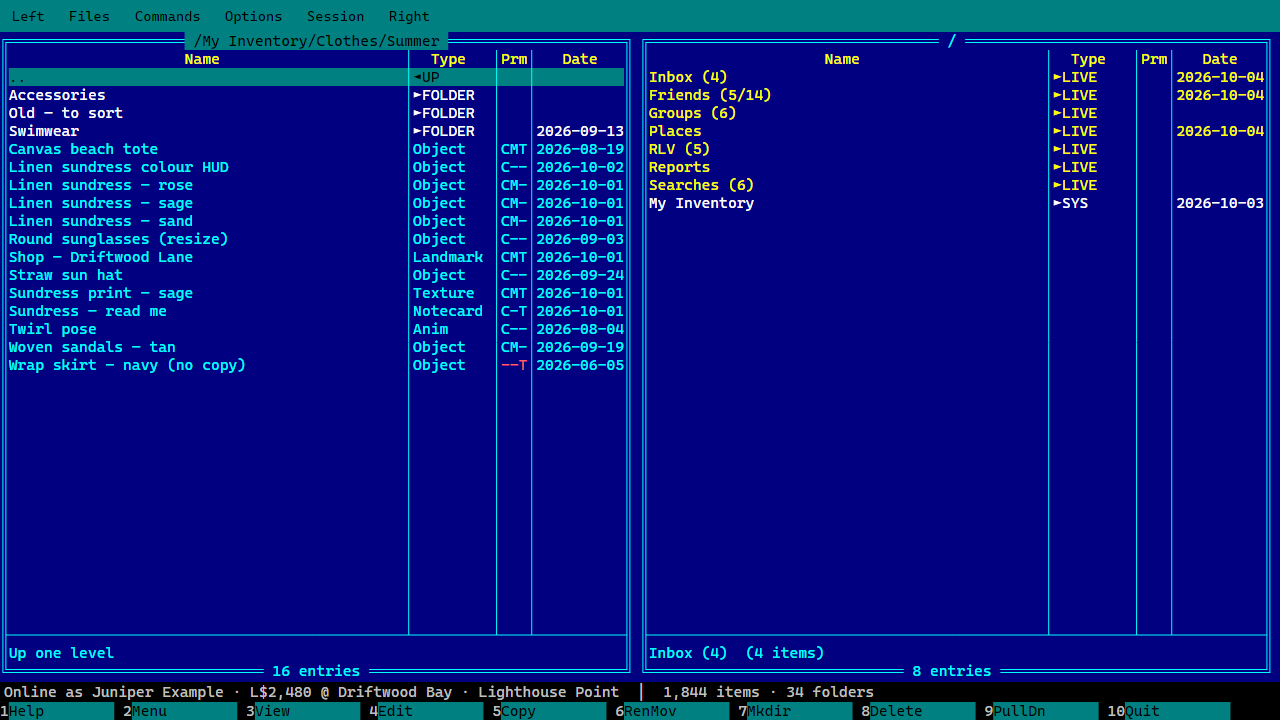
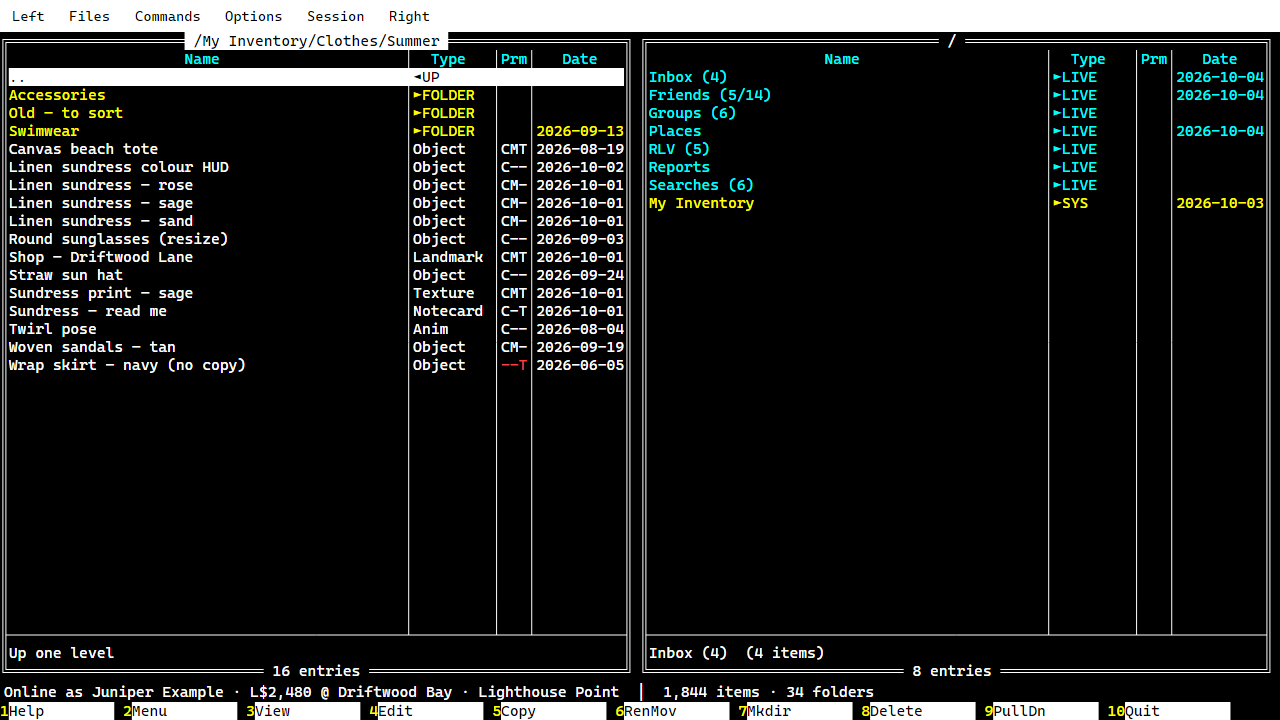
- 22 colour themes: Norton Commander, Midnight Commander, FAR Manager, Dark, Light and High contrast, plus 16 based on Midnight Commander's own skins (Autumn, Spring, Summer, Winter, Tokyo Night, Sand, Gotar, Modarin, Xoria…). Mix your own and share it as a small file.
- Preferences for sorting, font size, confirmations, chat notifications and logs, offline copies, RLV and updates.
- Updates arrive by themselves: one click downloads, checks and restarts.
- Runs on Windows, macOS (Apple silicon and Intel) and Linux.
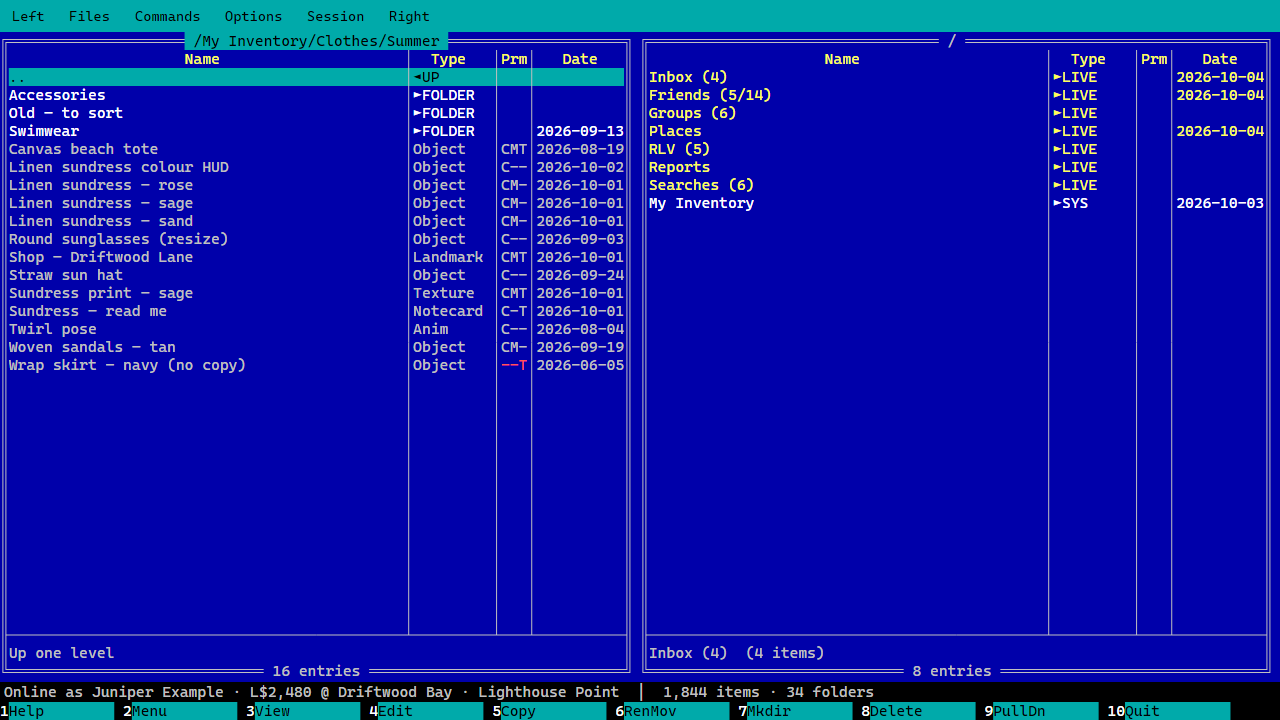
Morgen Commander doesn't draw the world, so it can't rez, build, edit objects in-world, walk you around, show the map or play media. Keep your usual viewer for those. Morgen Commander is happy to be your second viewer, and it warns you if another viewer seems to be logged in as the same avatar.