Made with a made-up avatar, Juniper Example, and made-up friends, groups and inventory. Click any picture to see it full size.
The main window
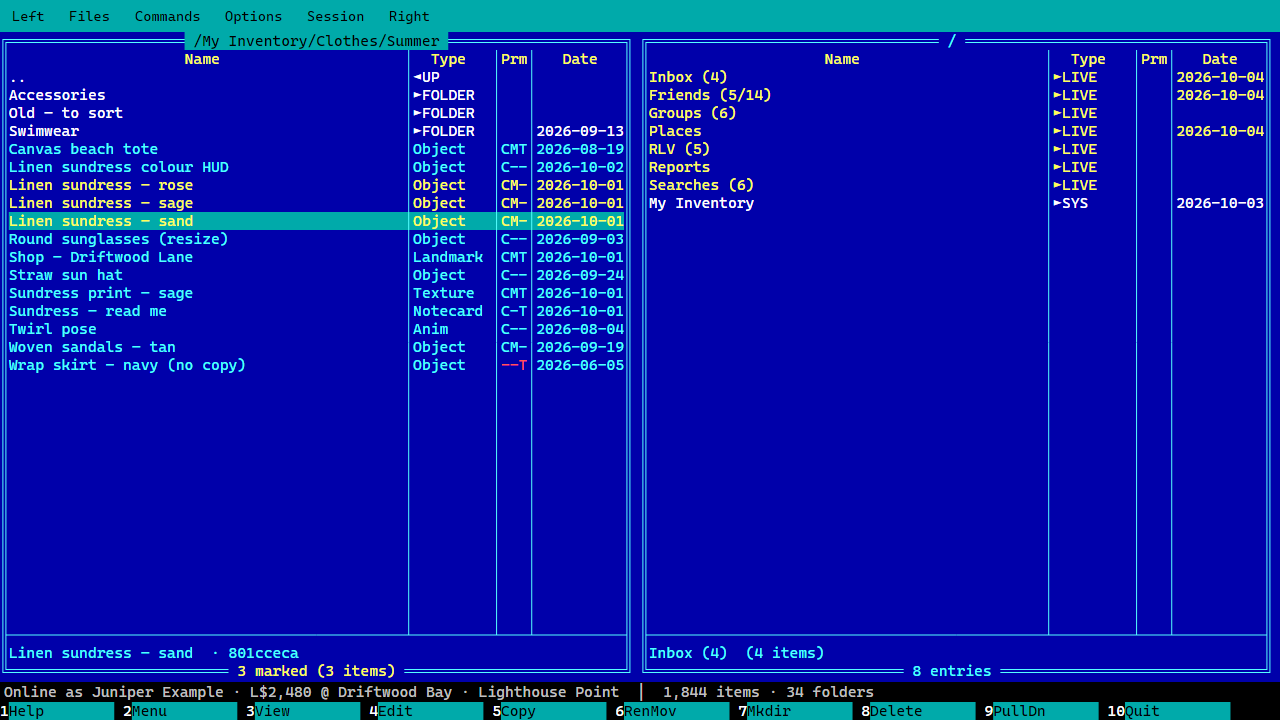
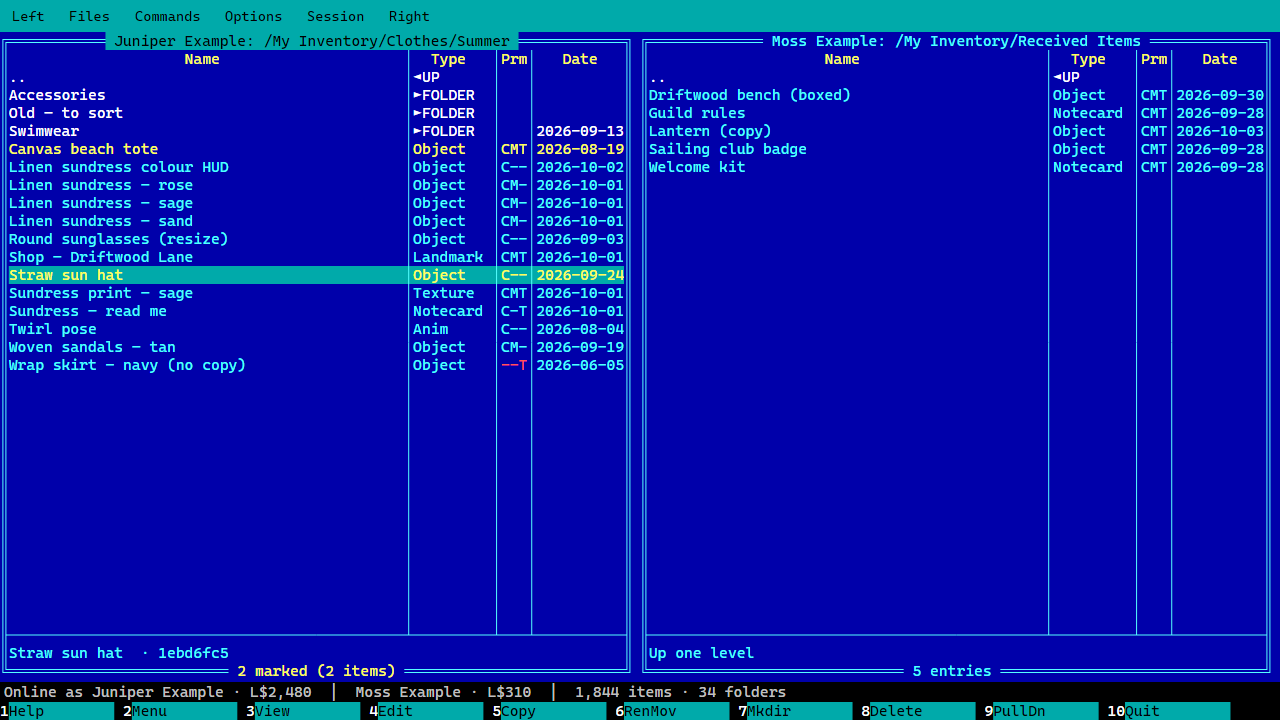
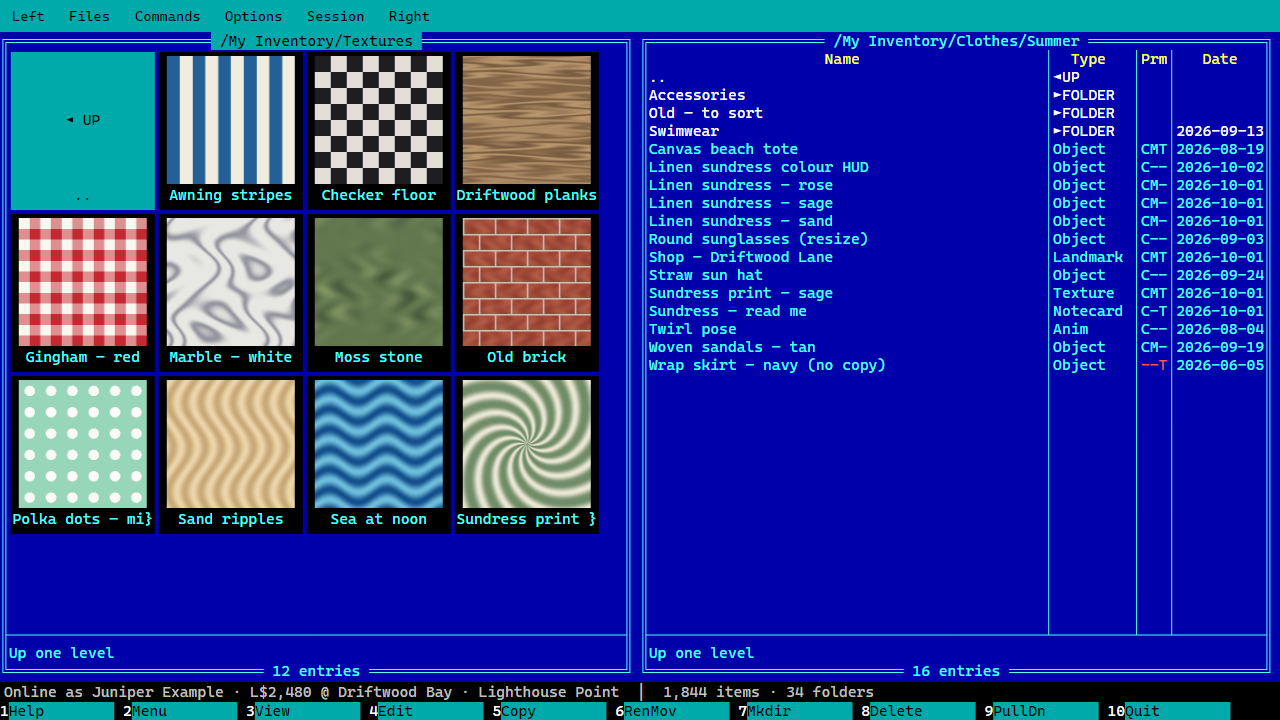
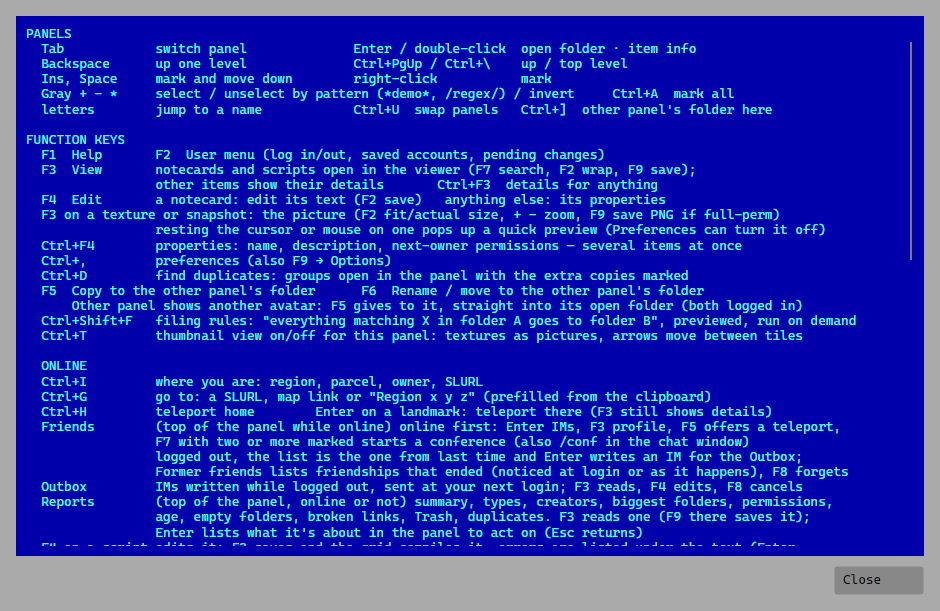
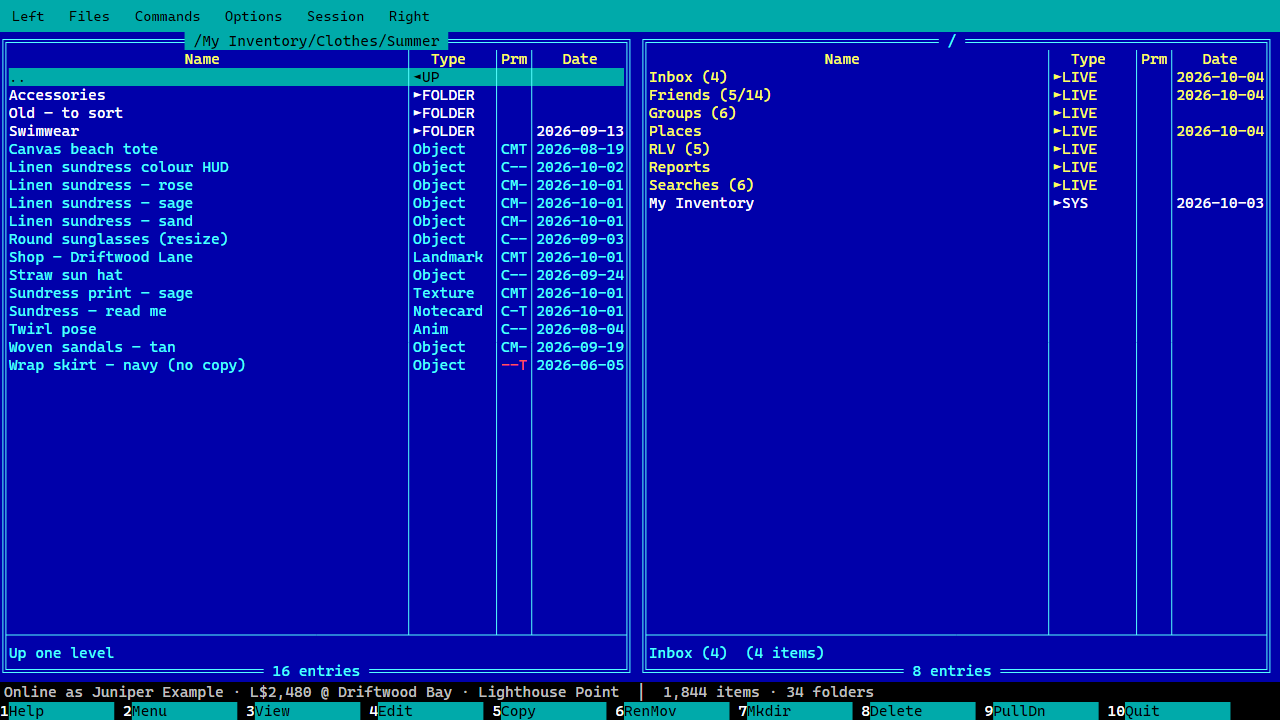
Two panels: a folder of clothes on the left, the top level with live folders on the rightTwo avatars logged in at once, one in each panelThumbnail view: textures as picturesF1: every key on one page
Looking and editing
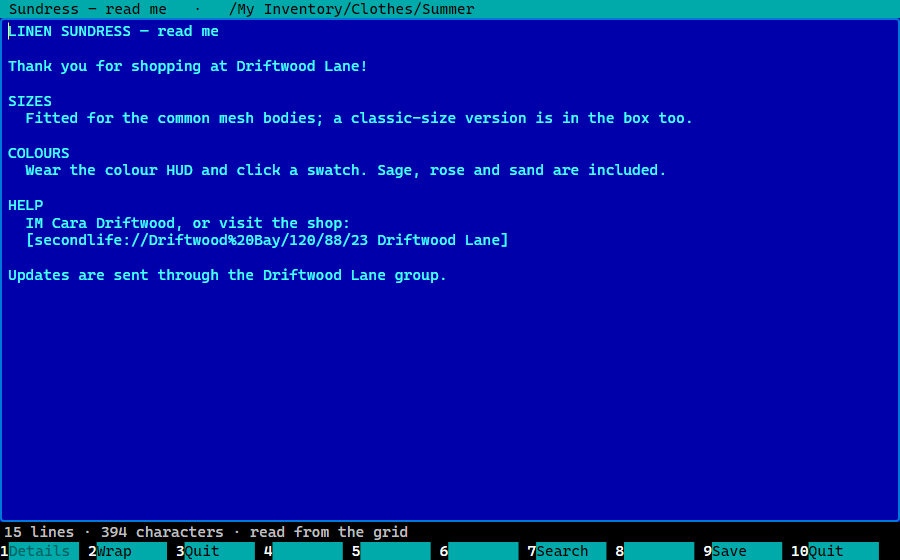
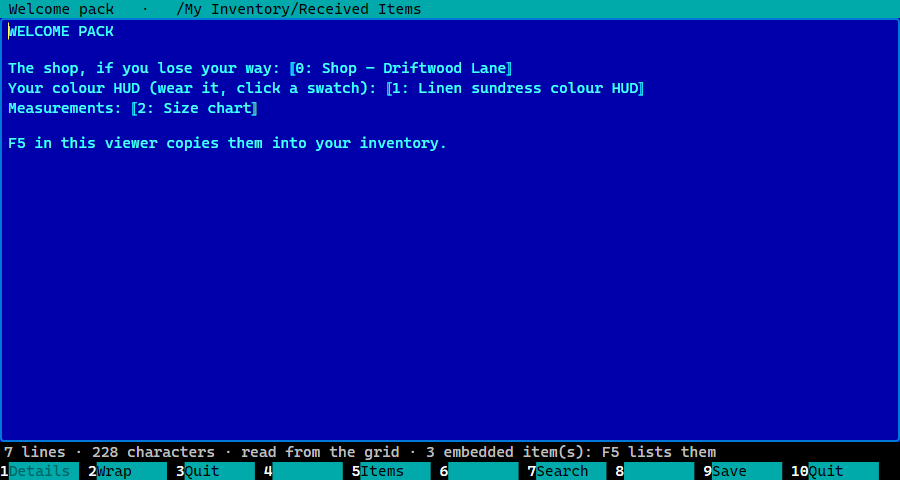
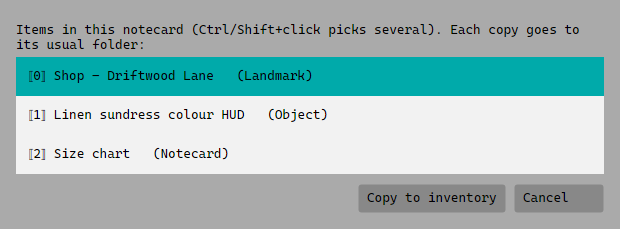
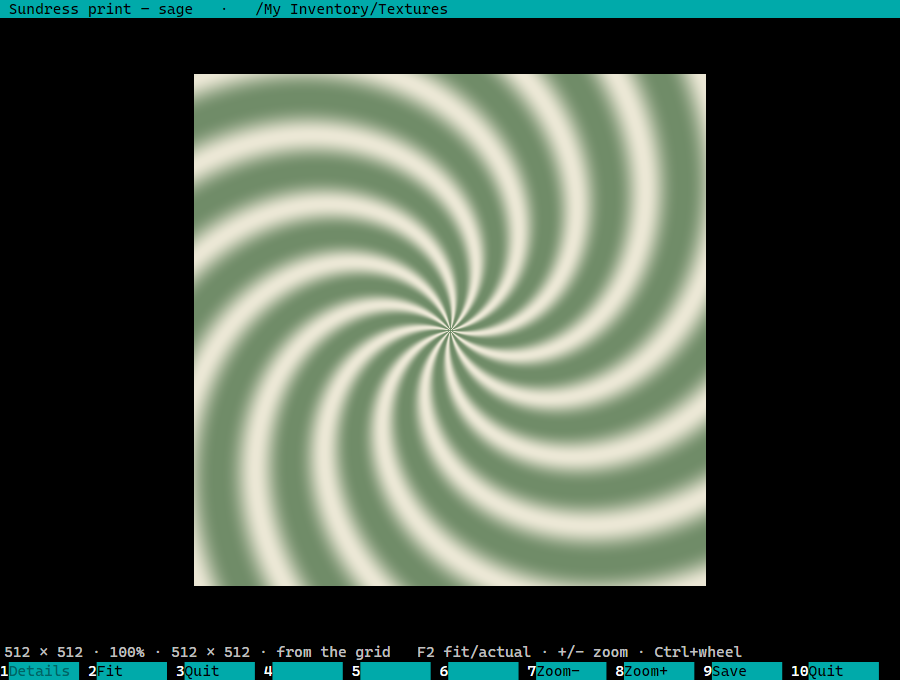
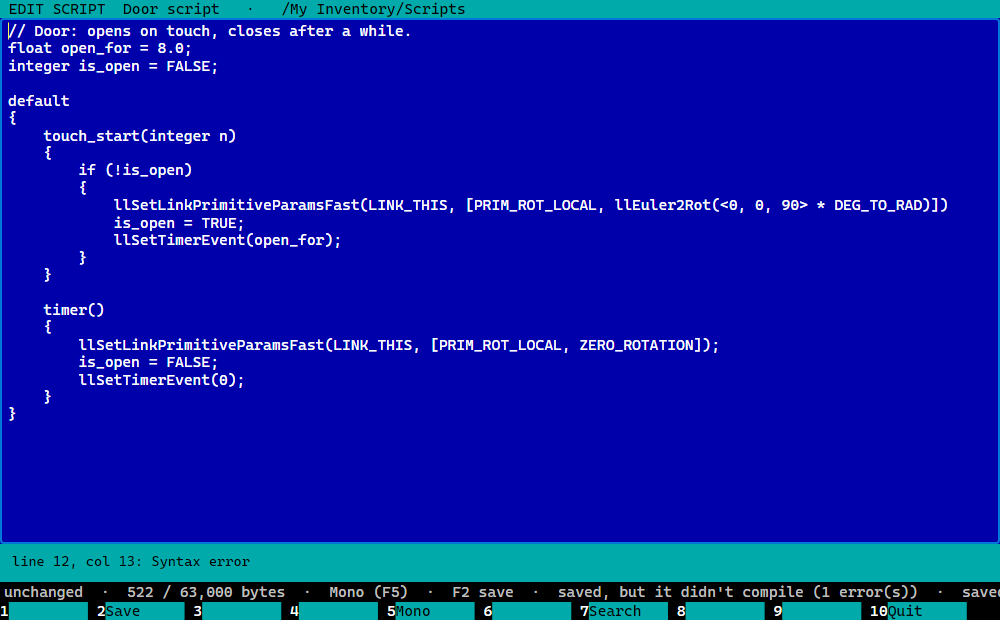
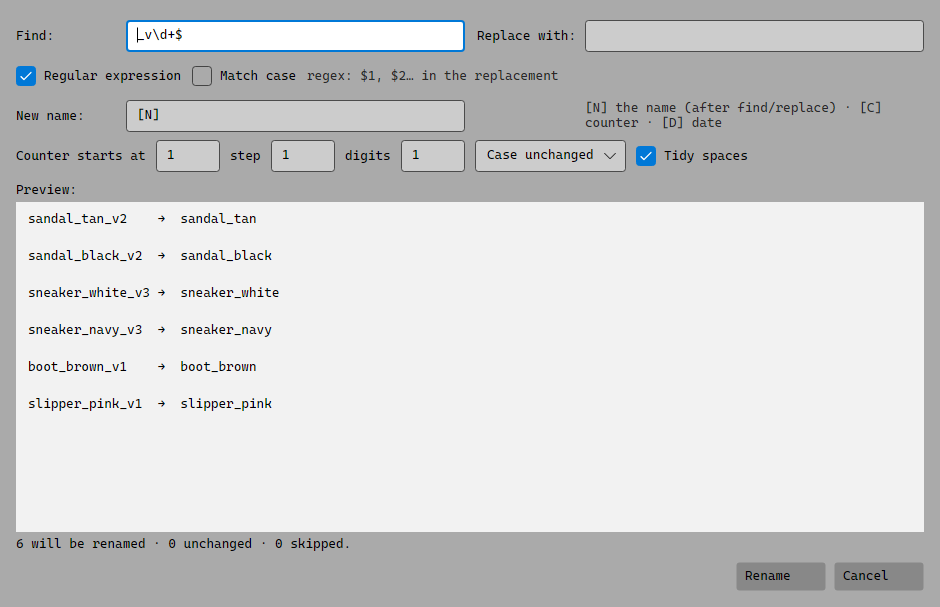
Reading a notecardA notecard with items inside itCopying items out of a notecardThe texture viewerEditing a script, with a compile error listedBulk rename with a live preview
Tidying up
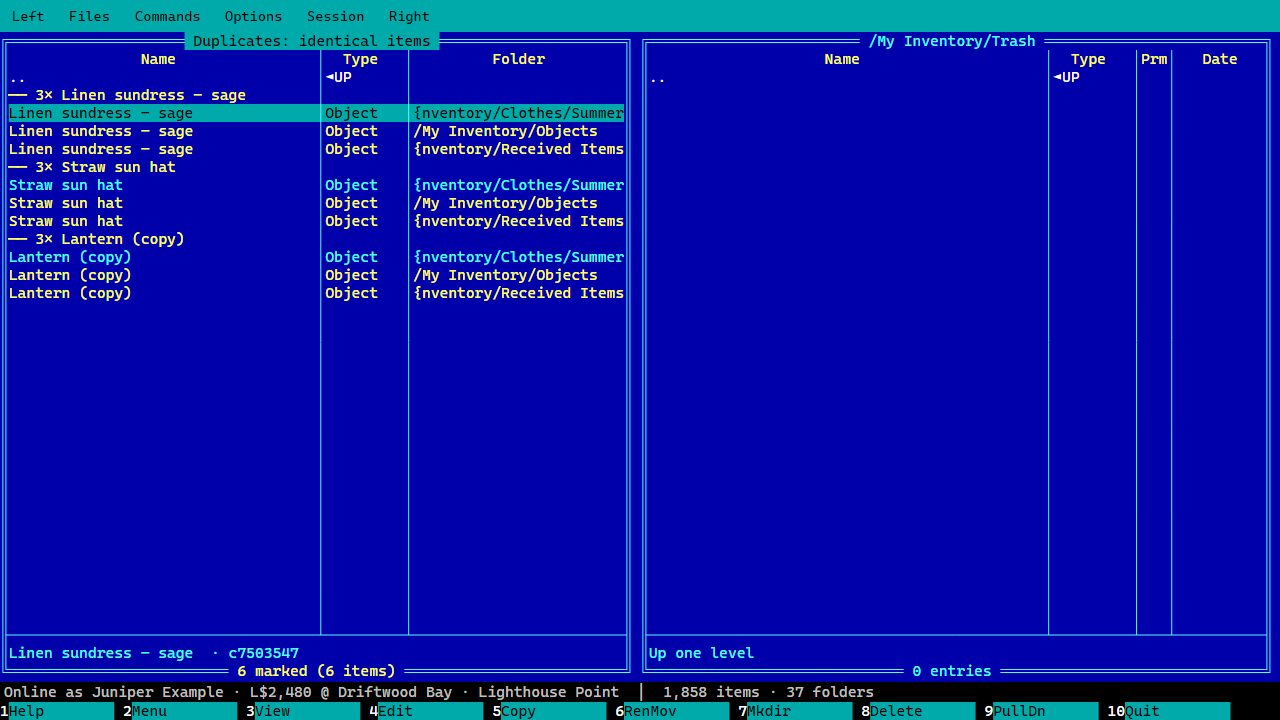
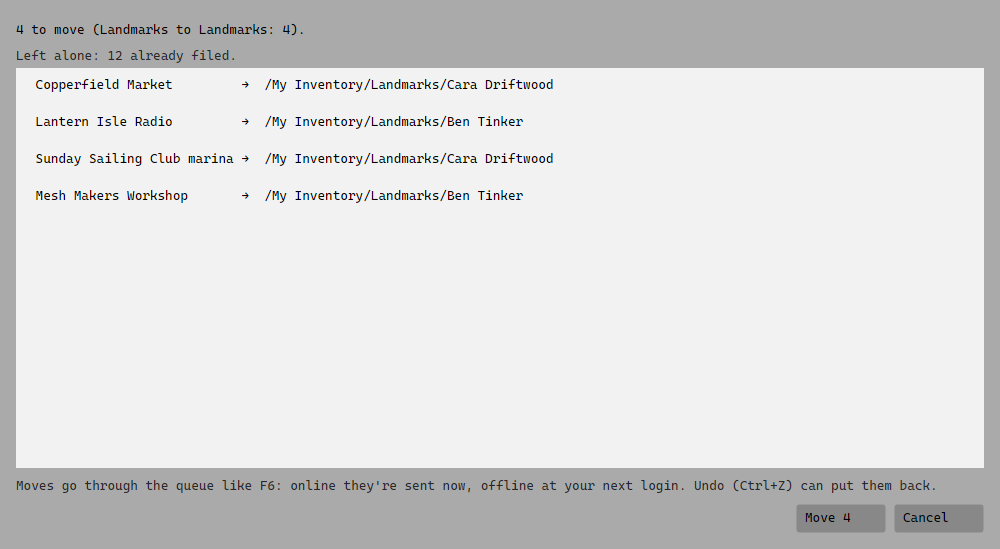
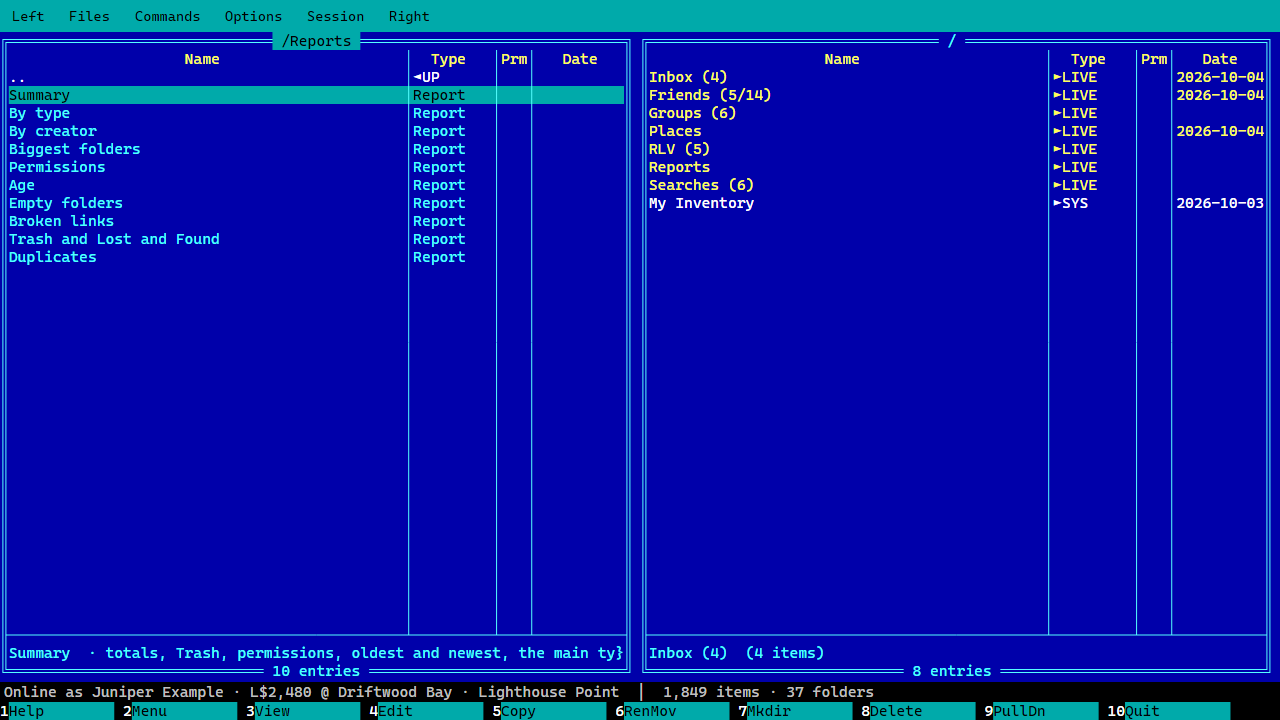
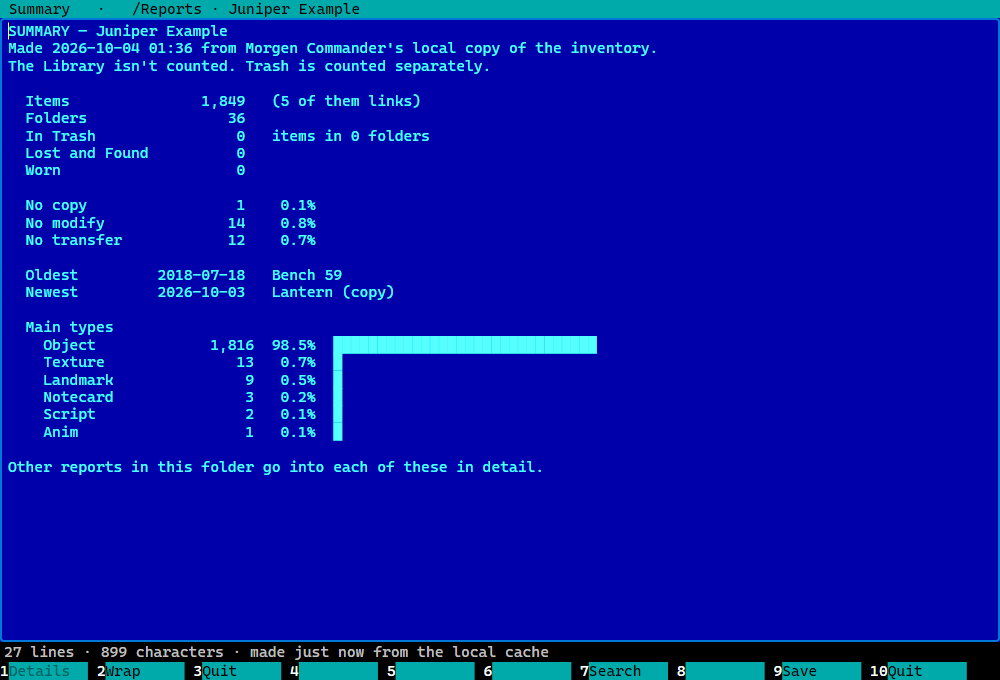
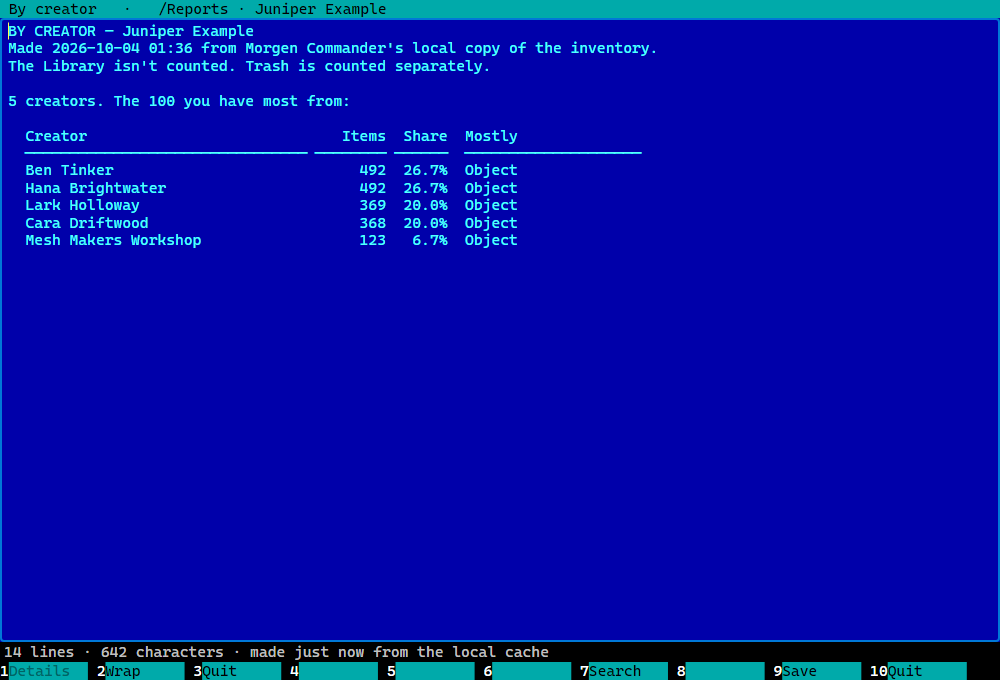
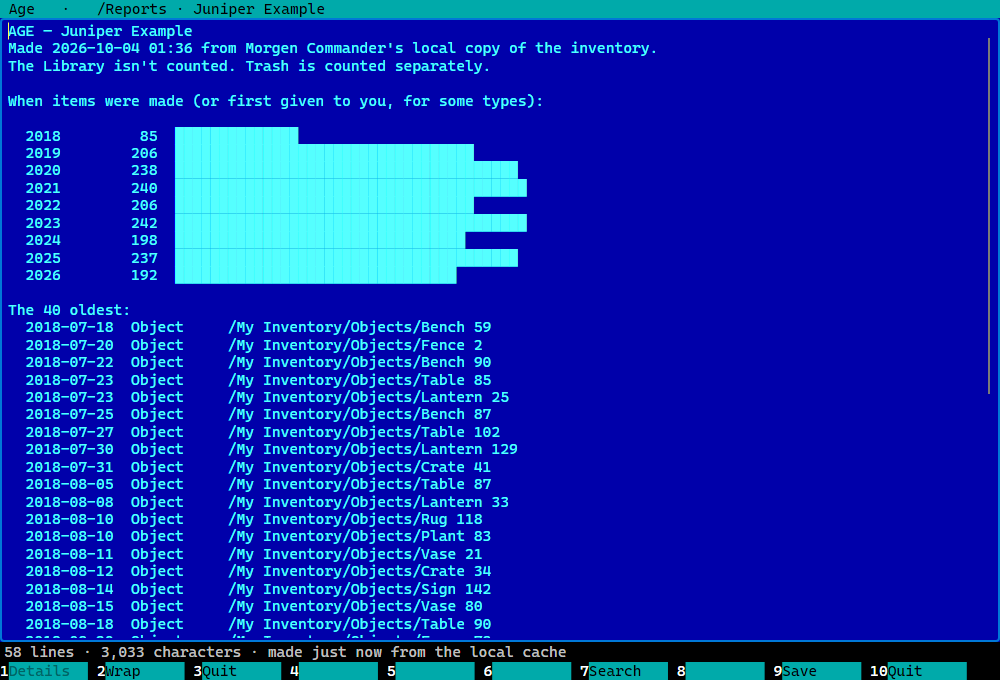
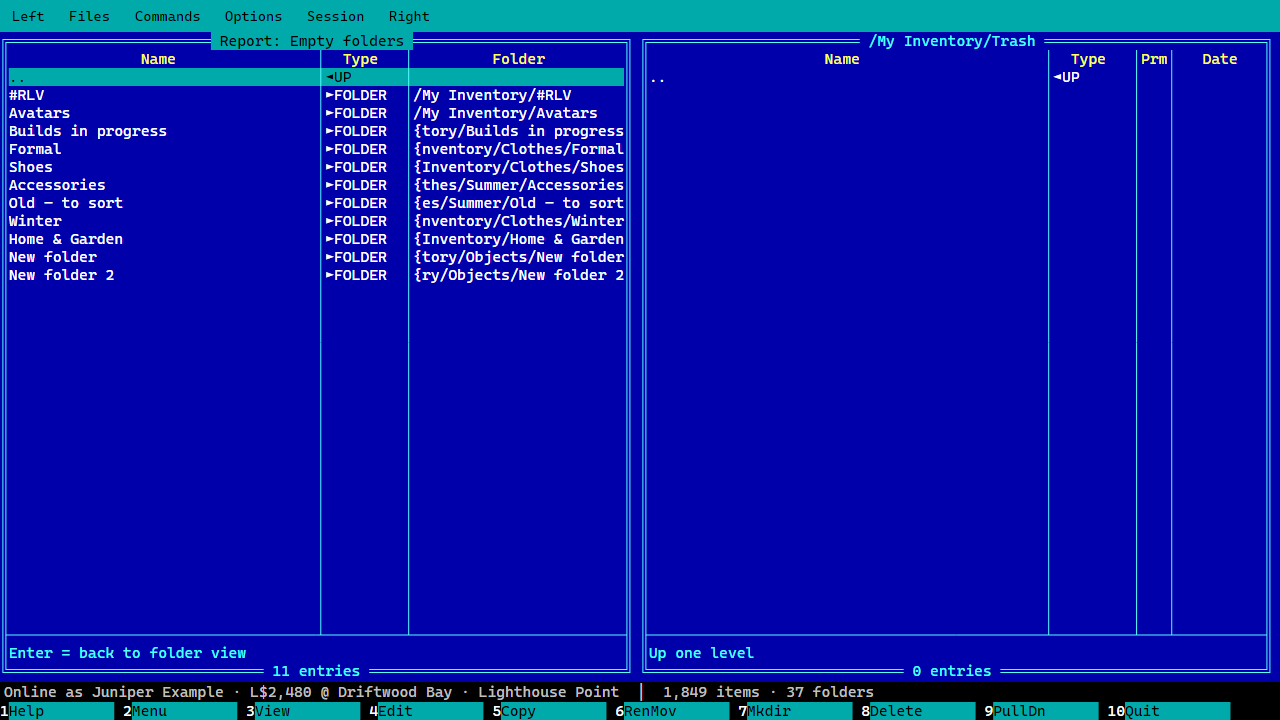
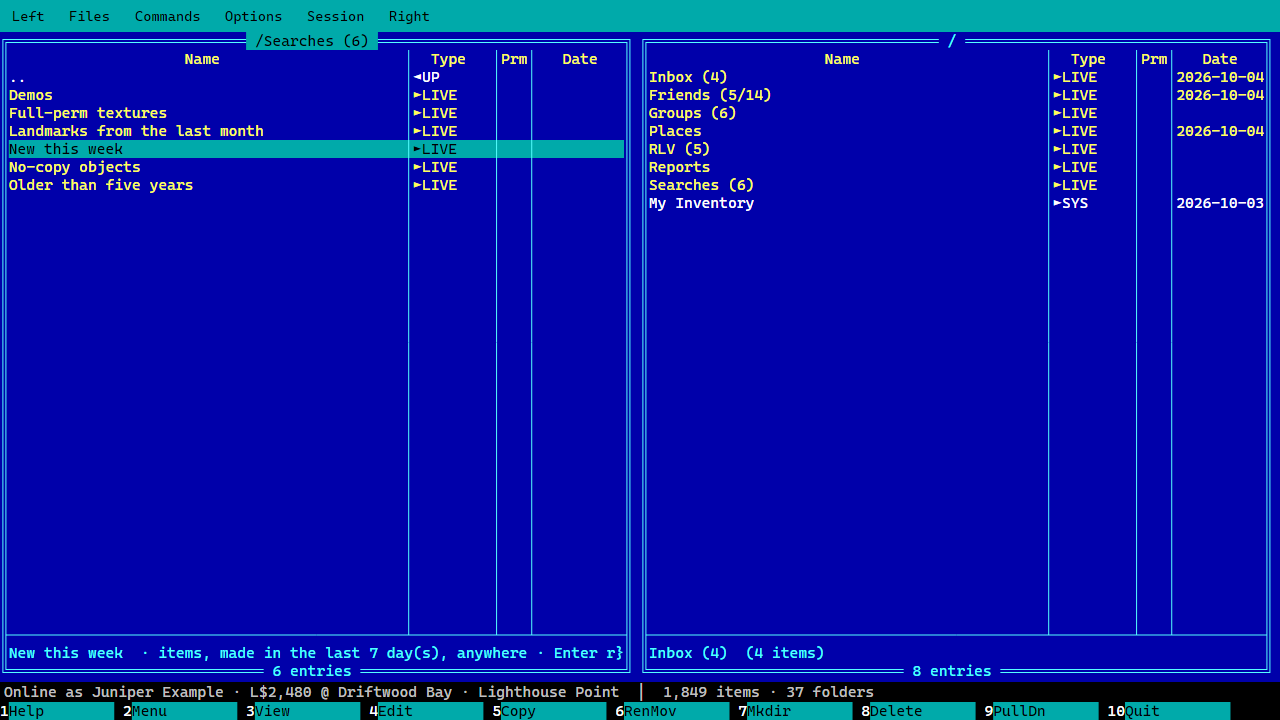
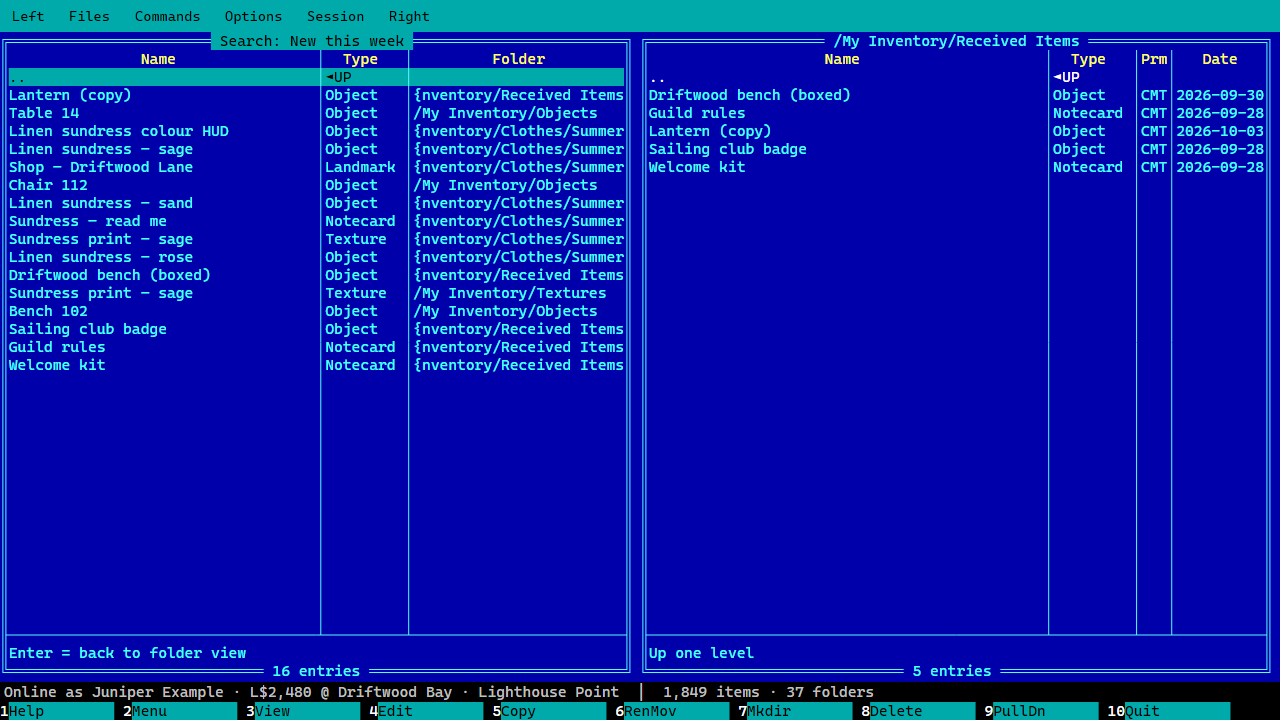
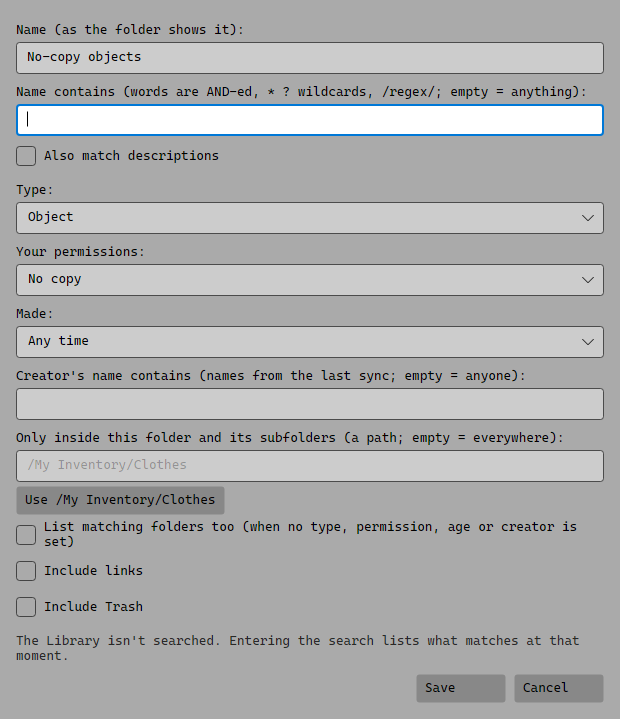
Duplicates, extra copies markedFiling rules: what would moveThe Reports folderThe Summary reportThe By creator reportThe Age reportEmpty folders, listed to act onSmart foldersA smart folder's resultsMaking a smart folder
Being online
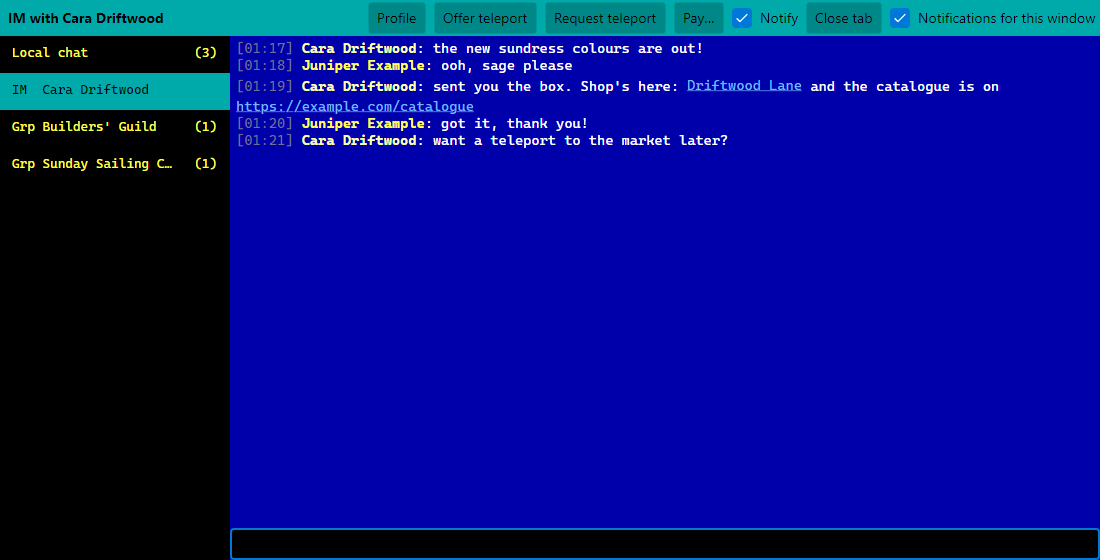
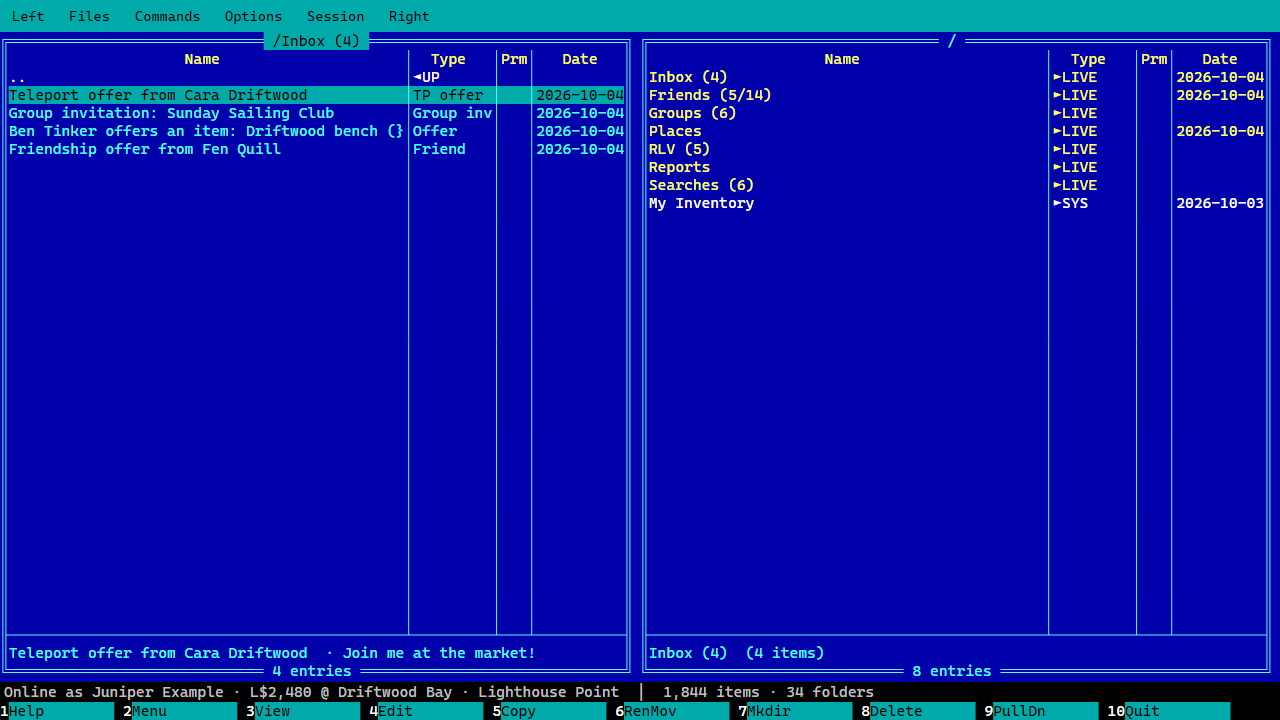
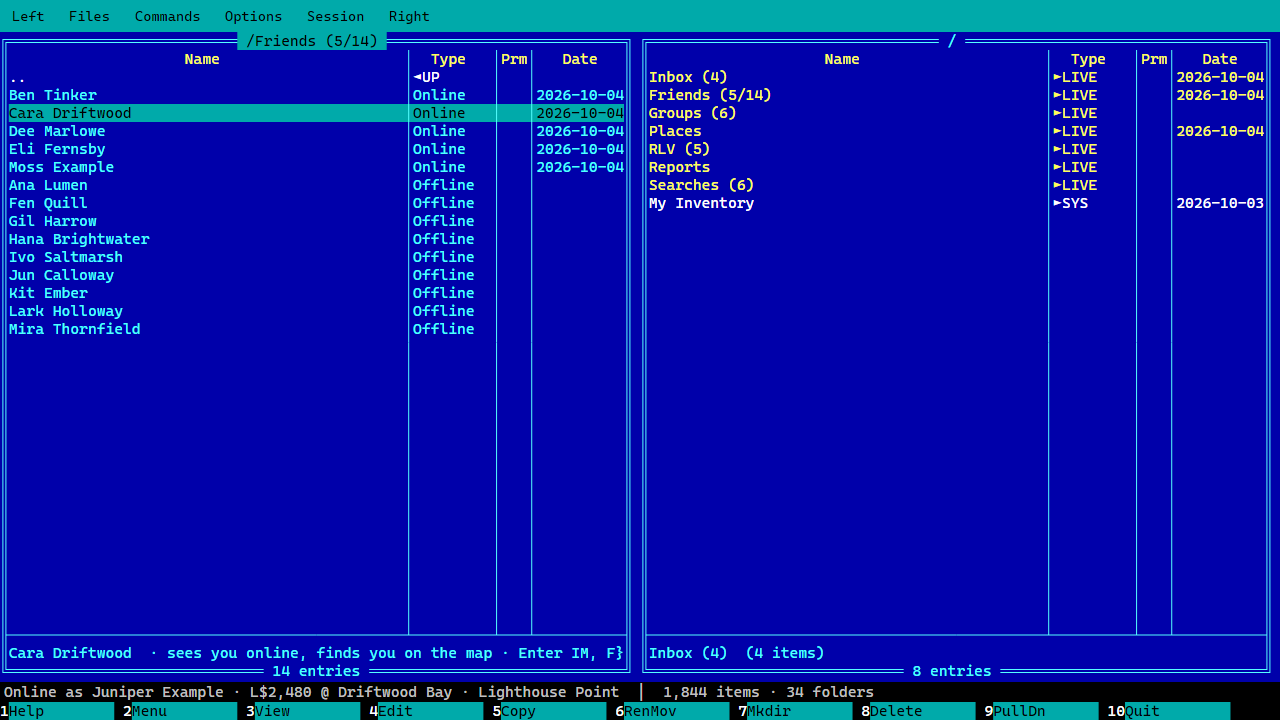
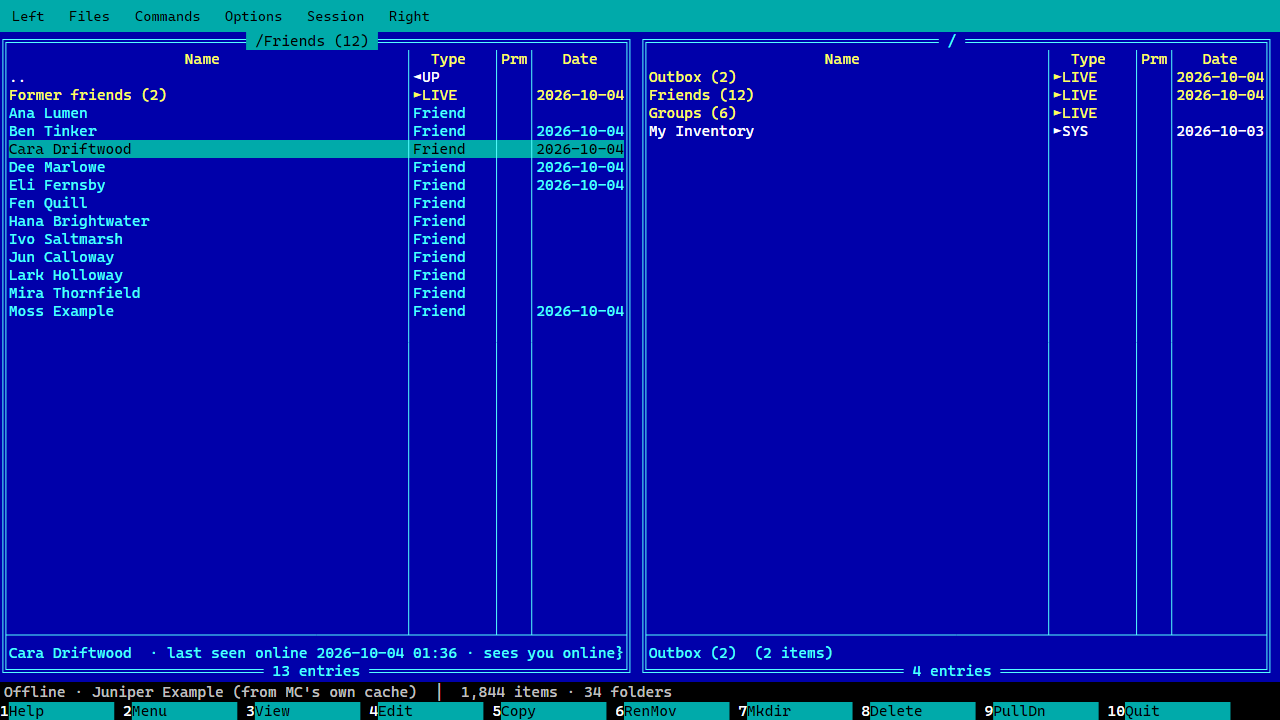
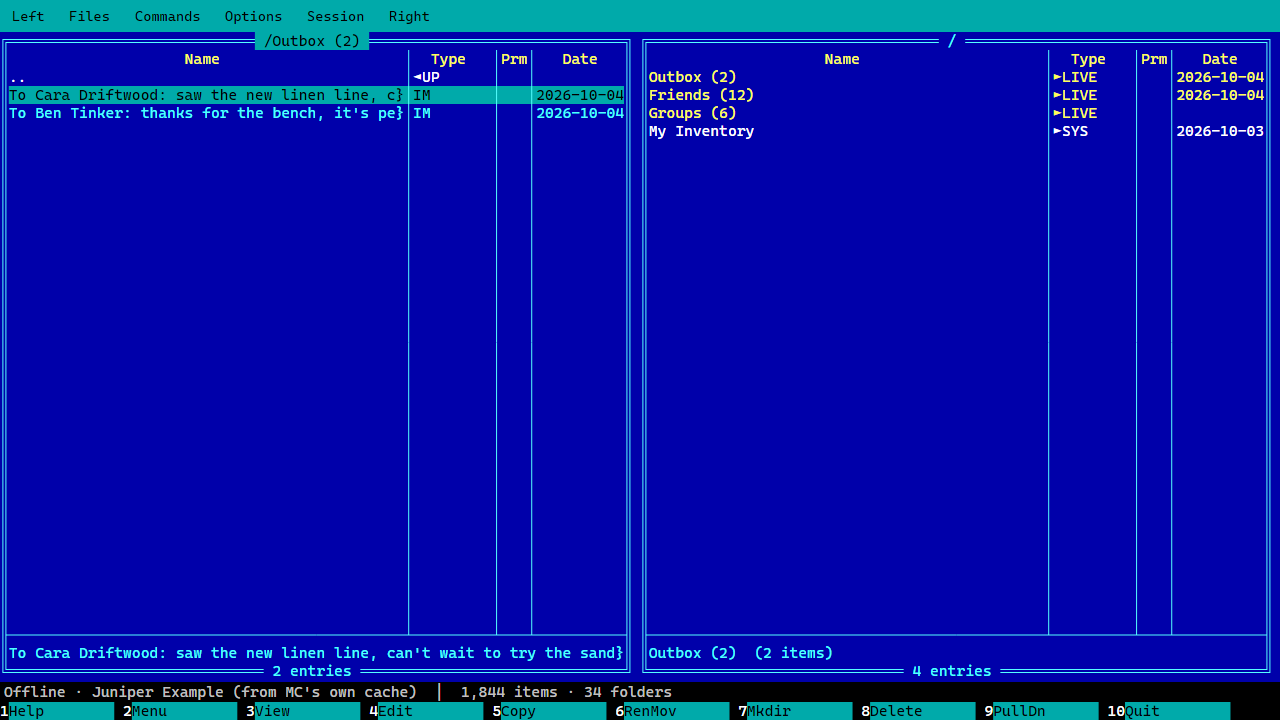
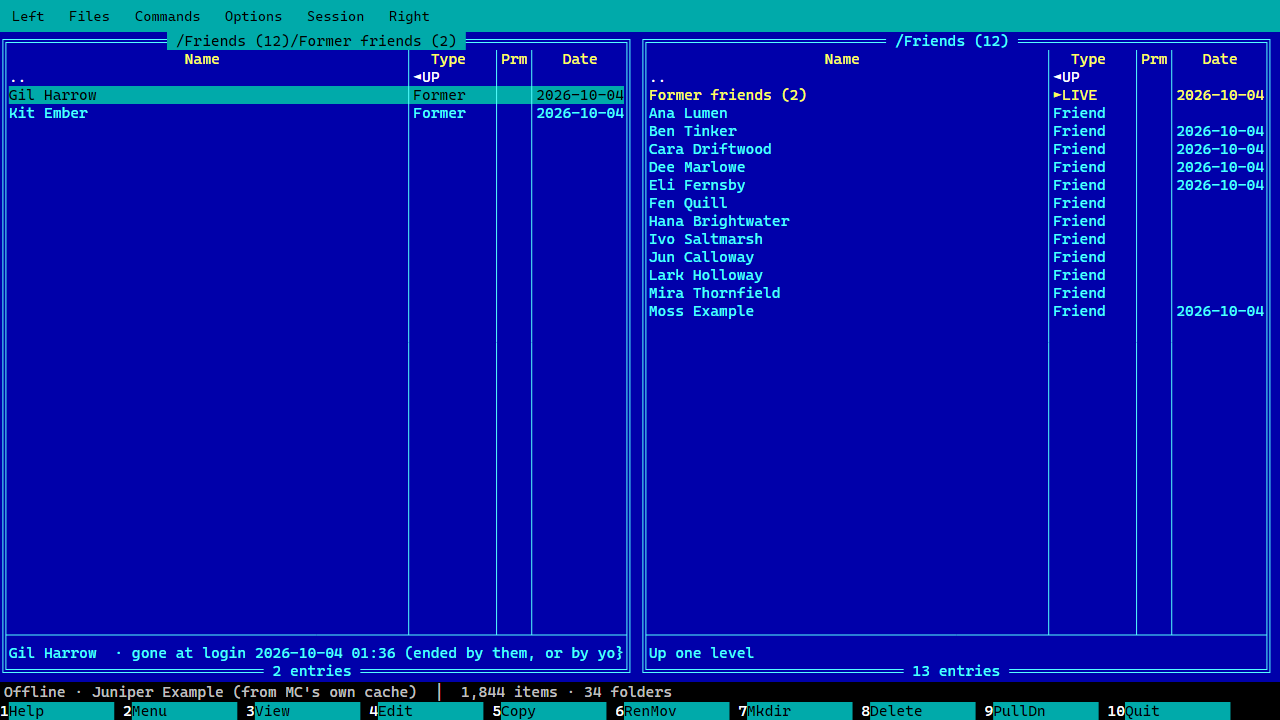
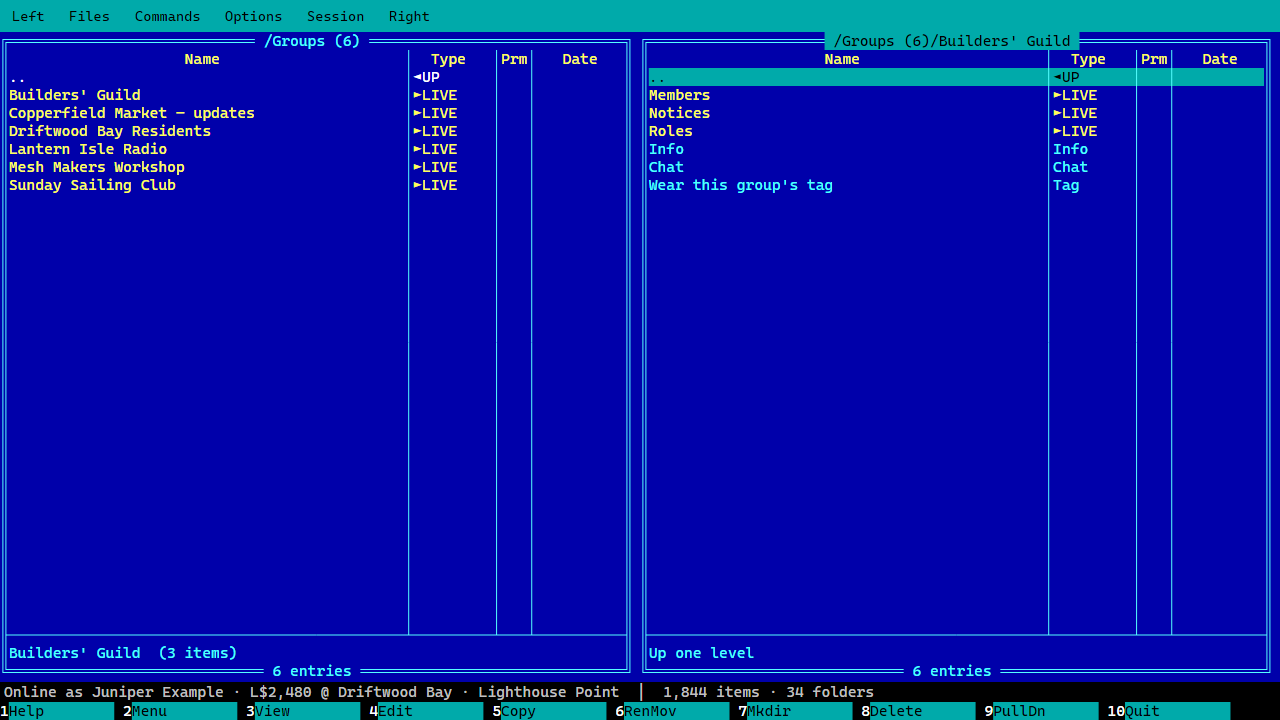
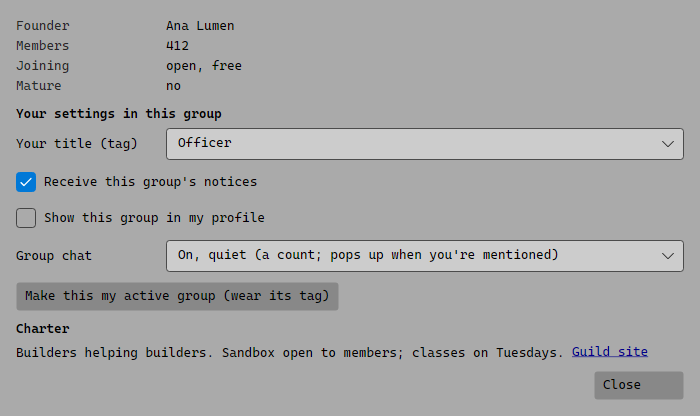
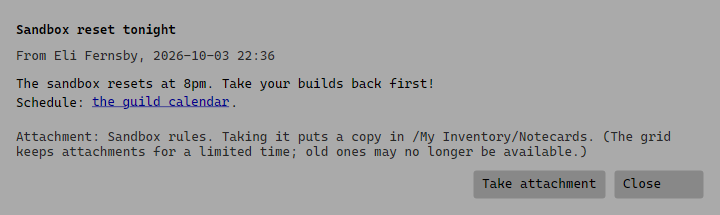
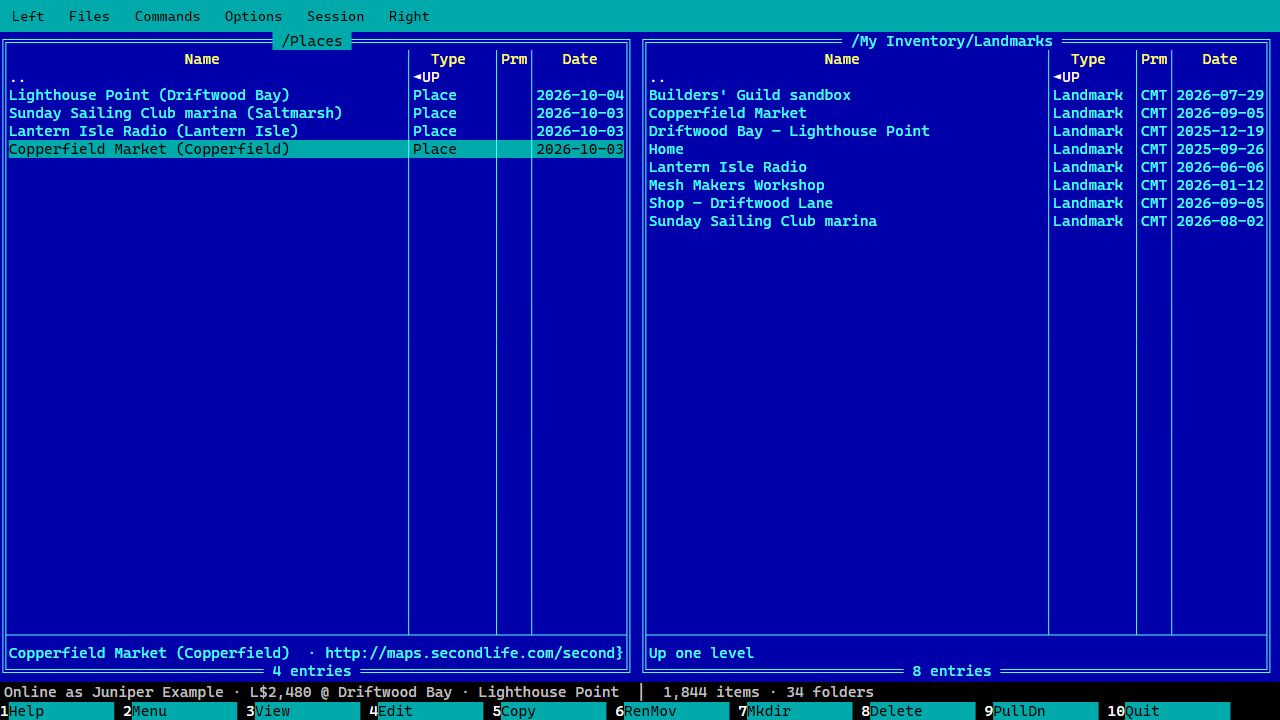
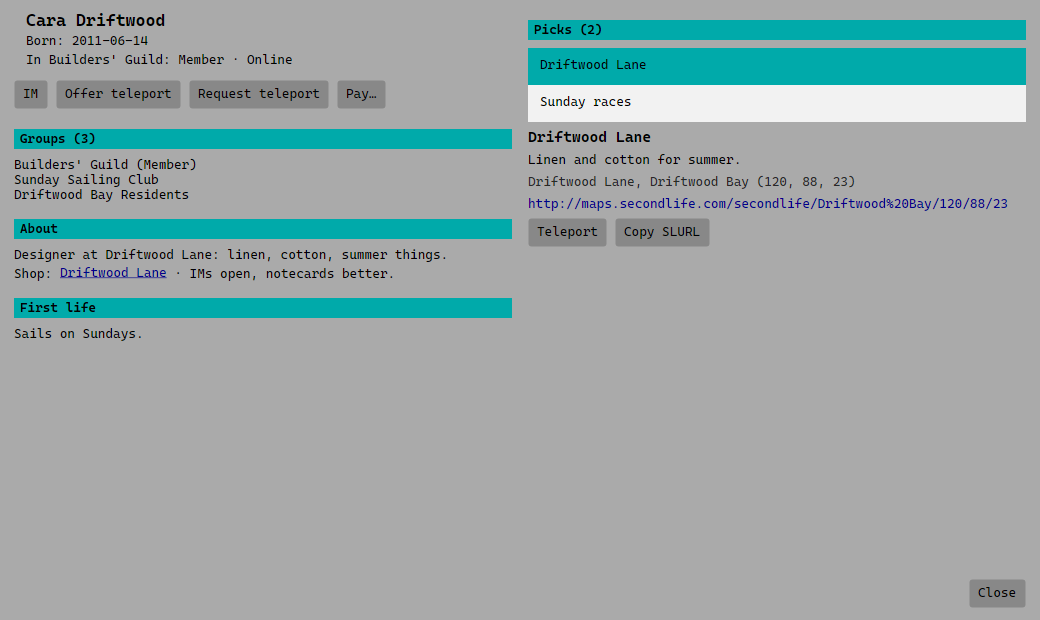
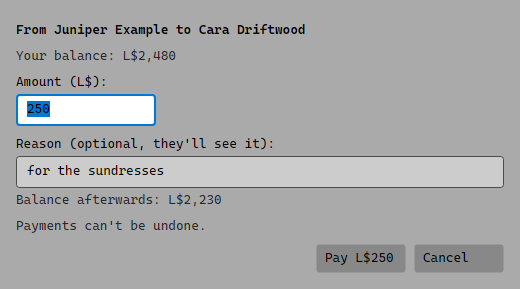
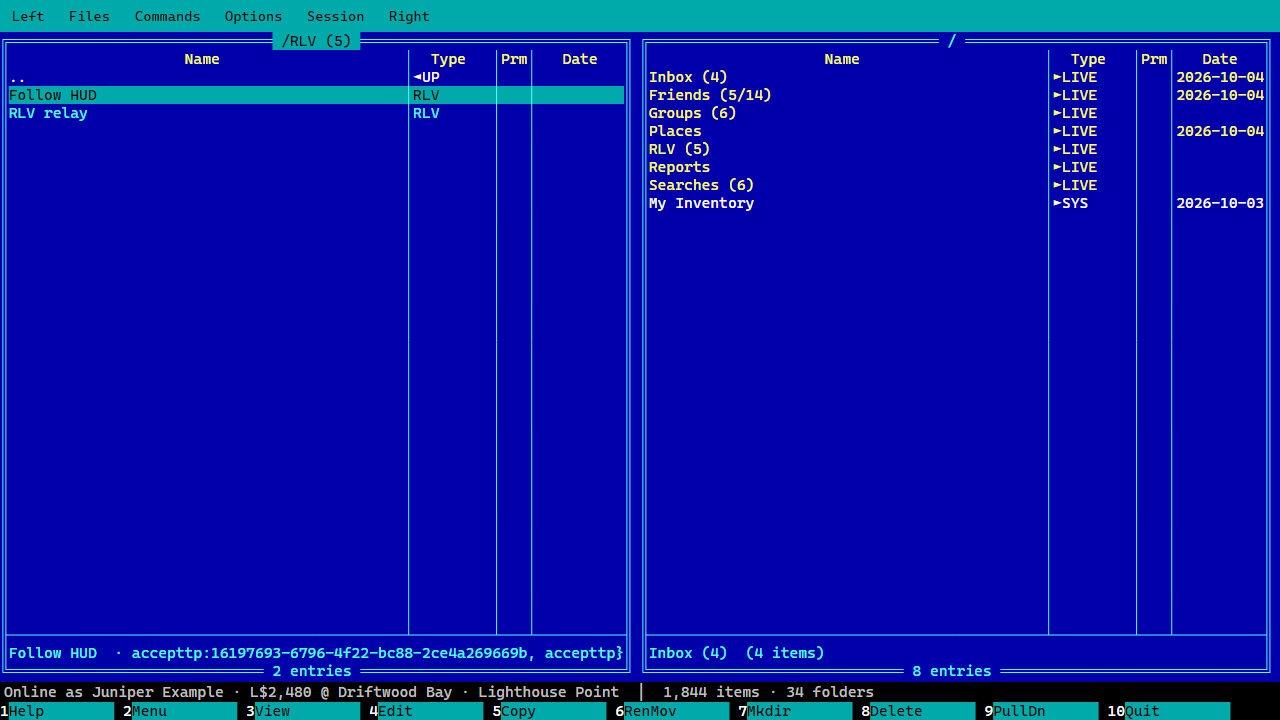
The chat windowThe InboxFriends, online firstFriends while logged out, and the OutboxIMs waiting in the OutboxFormer friendsA group as a folderGroup info: your tag, notices, chatReading a group noticePlaces you've beenA profile with picksPaying, with confirmationThe RLV folder
Themes and settings
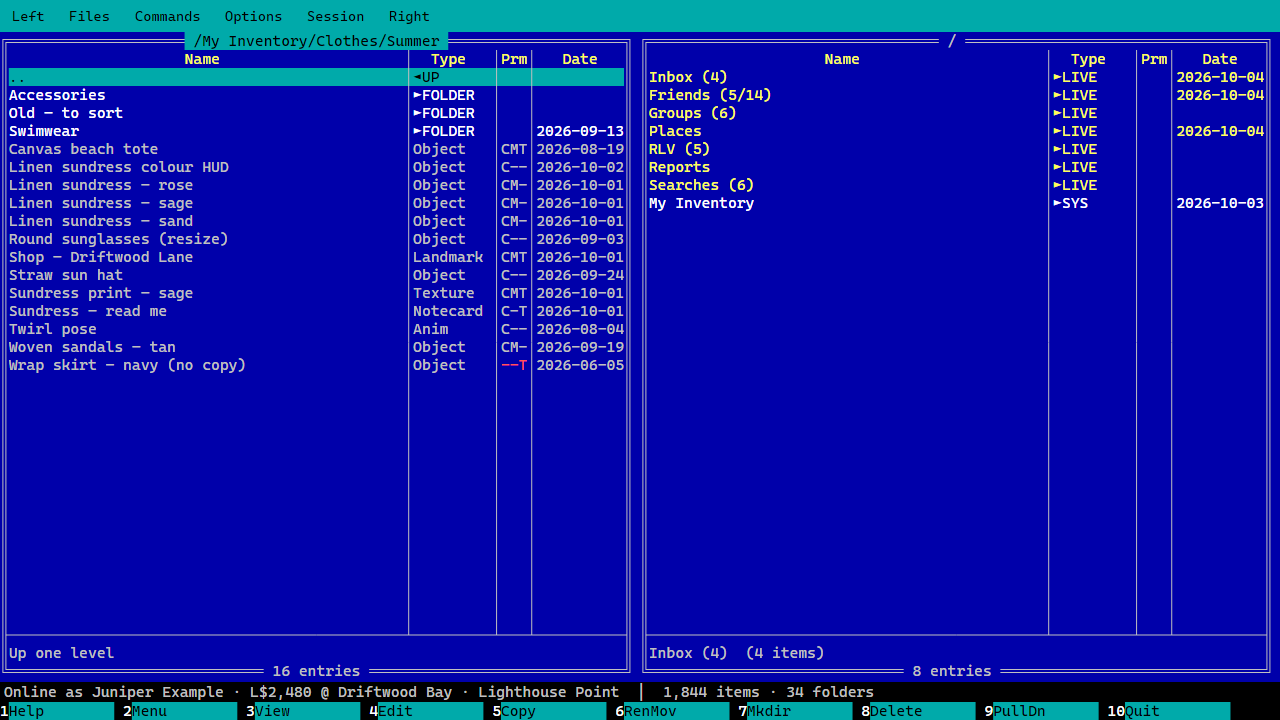
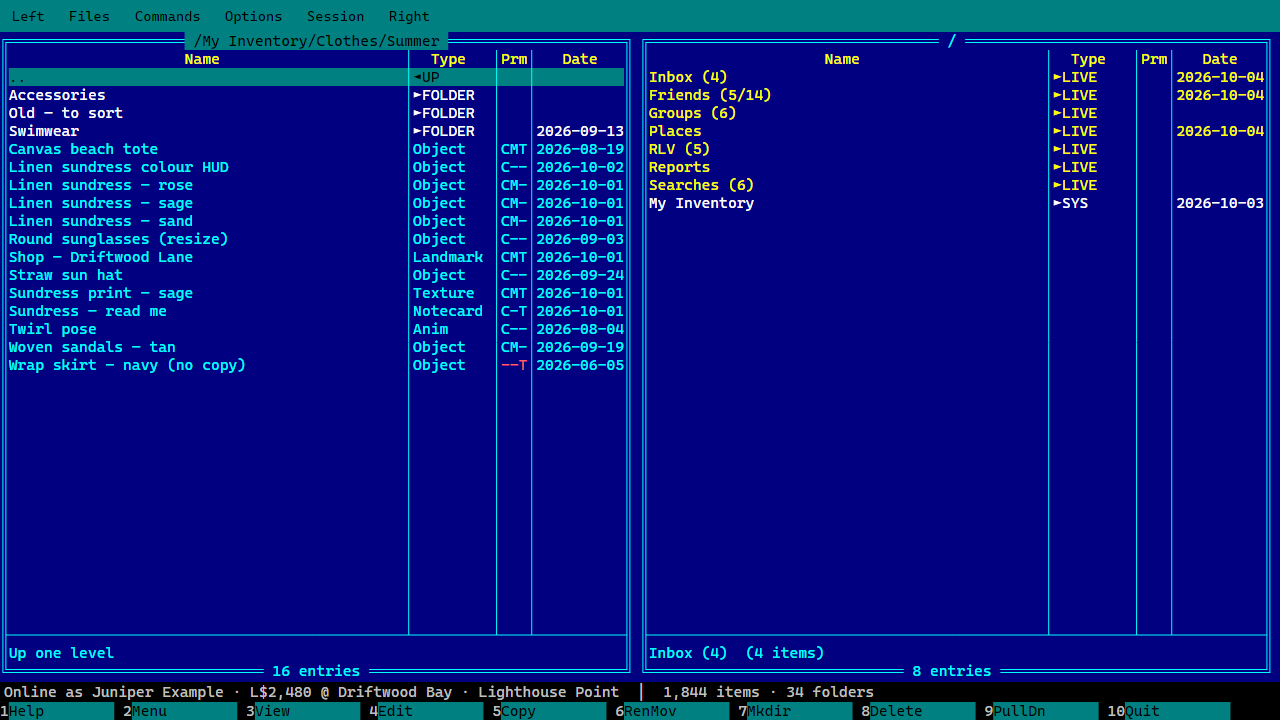
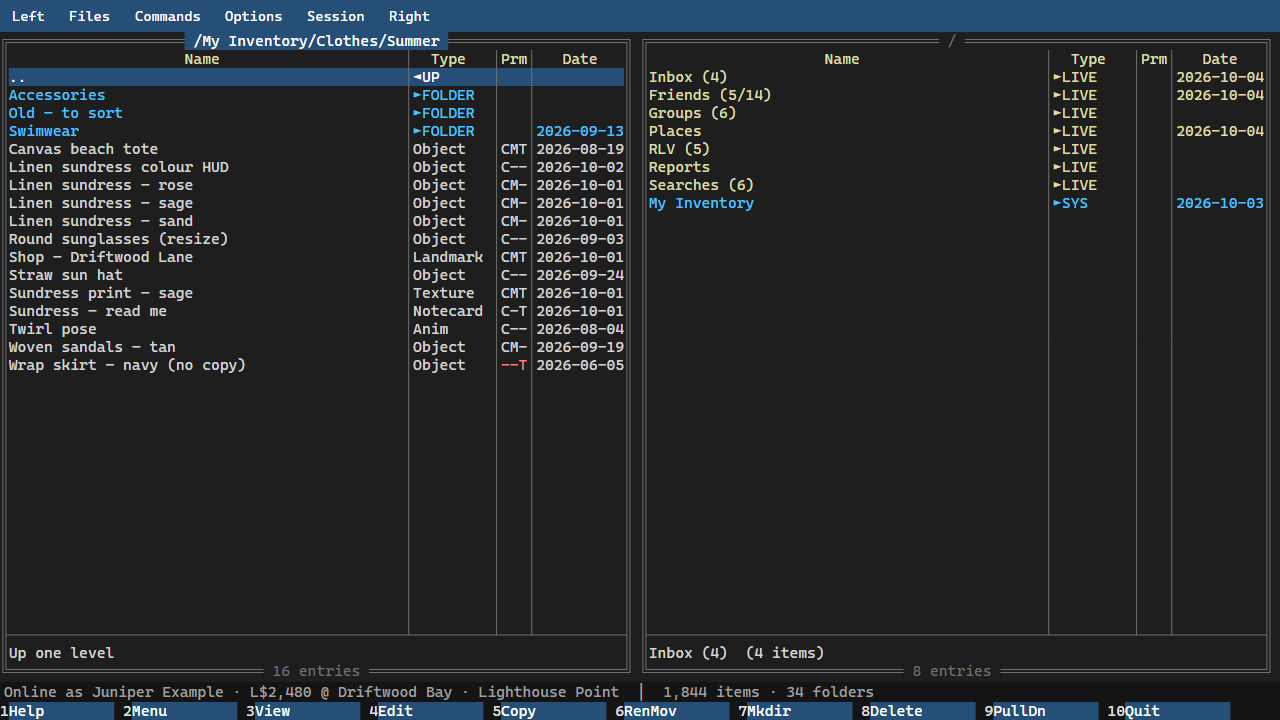
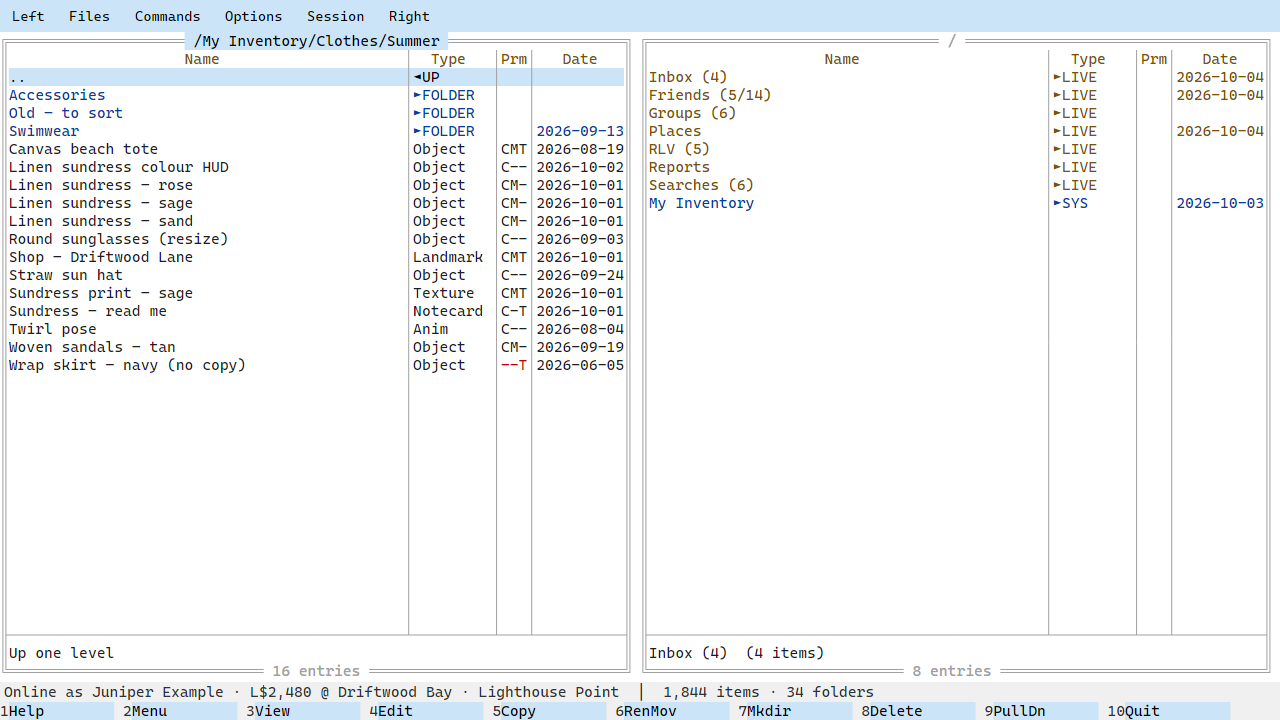
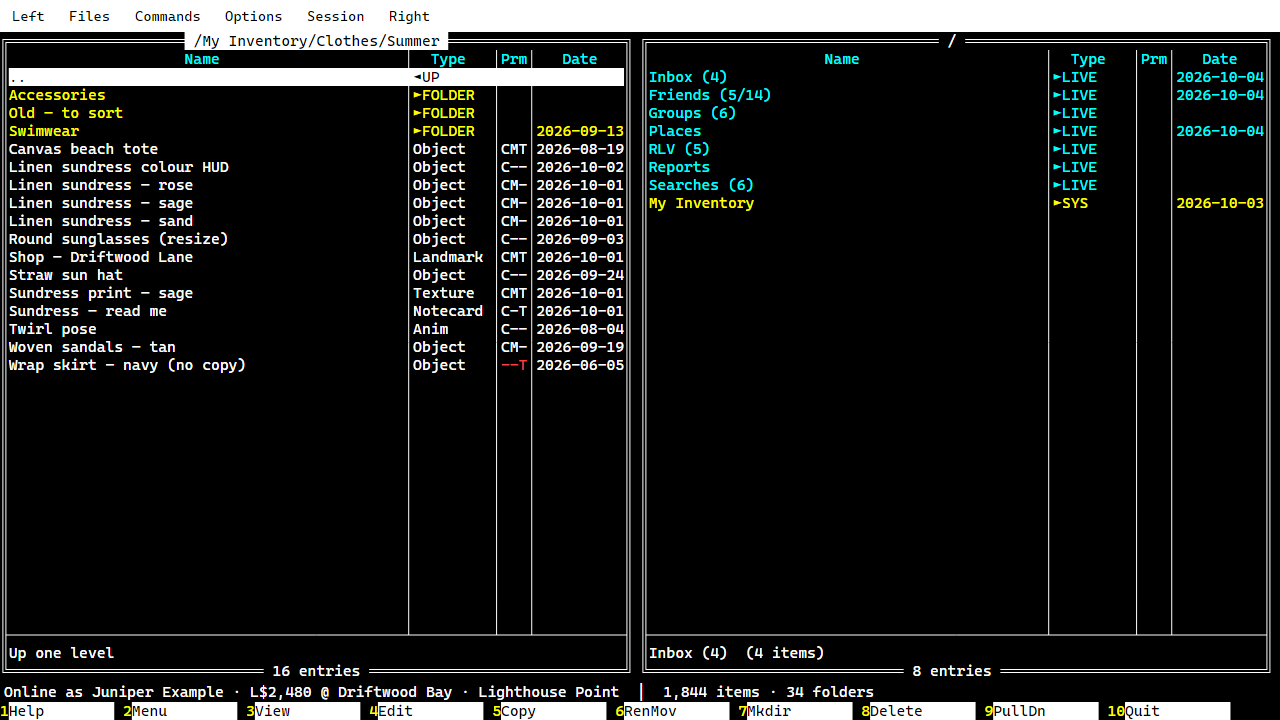
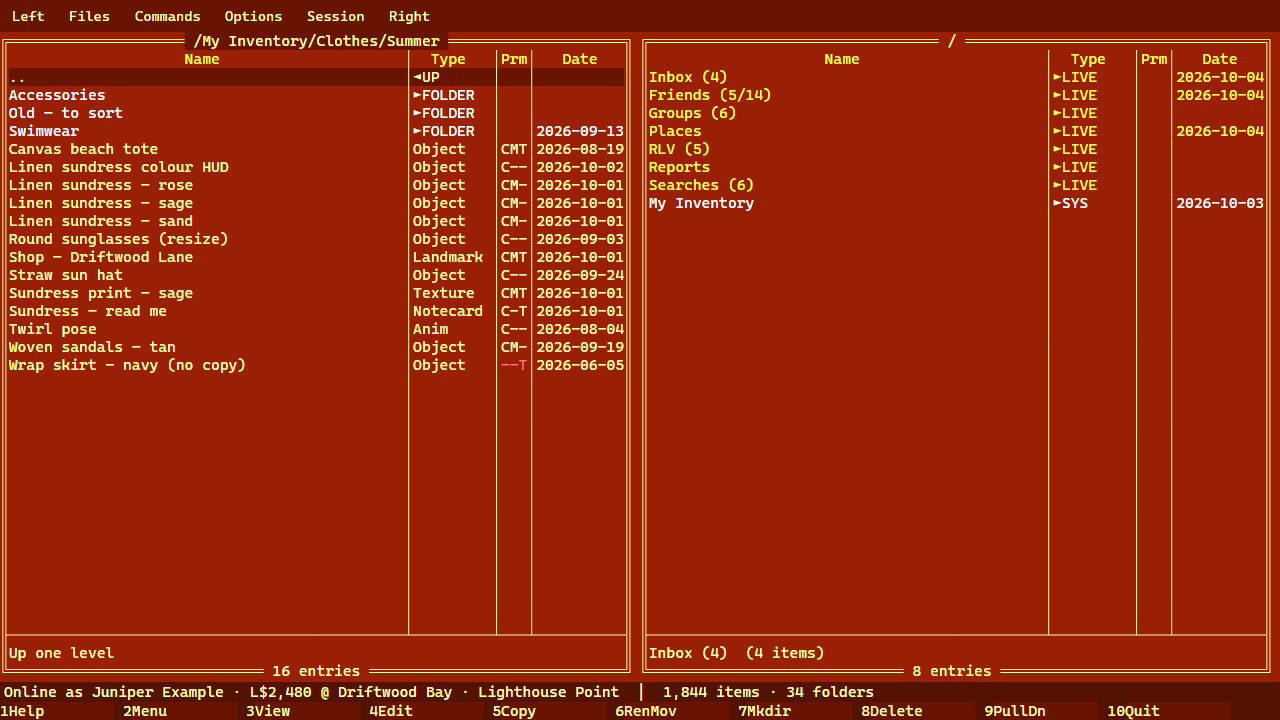
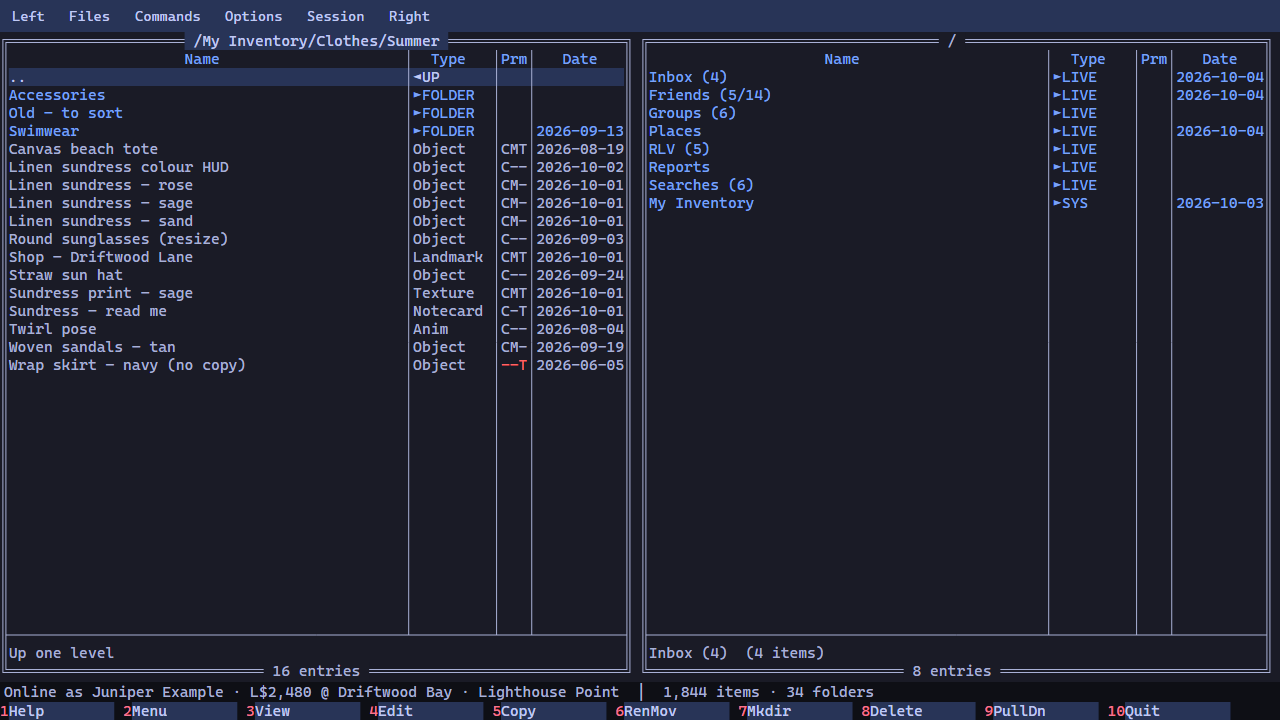
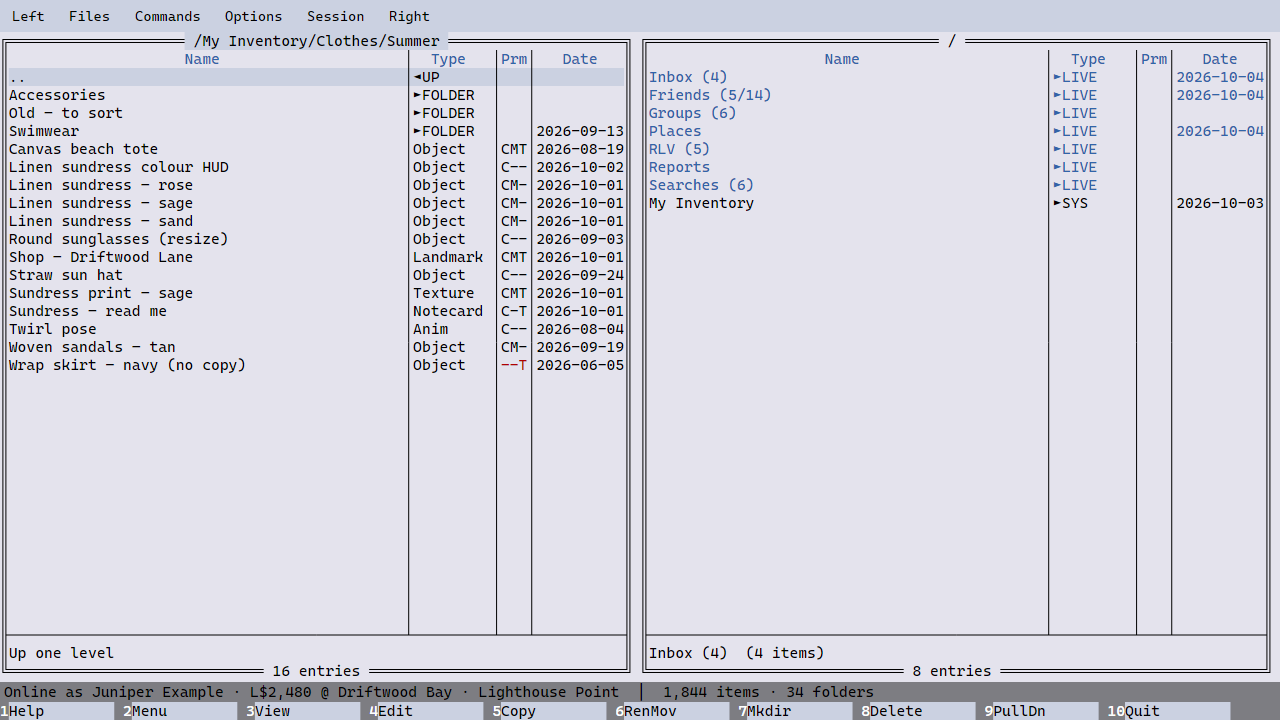
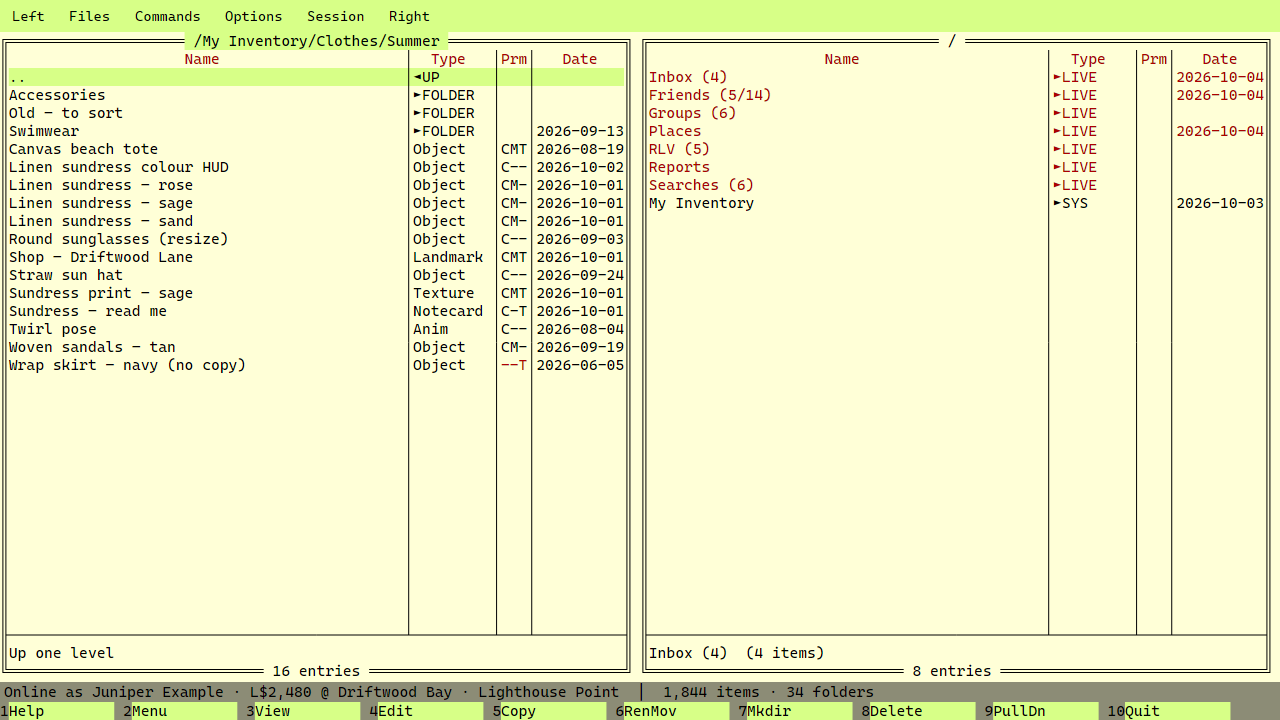
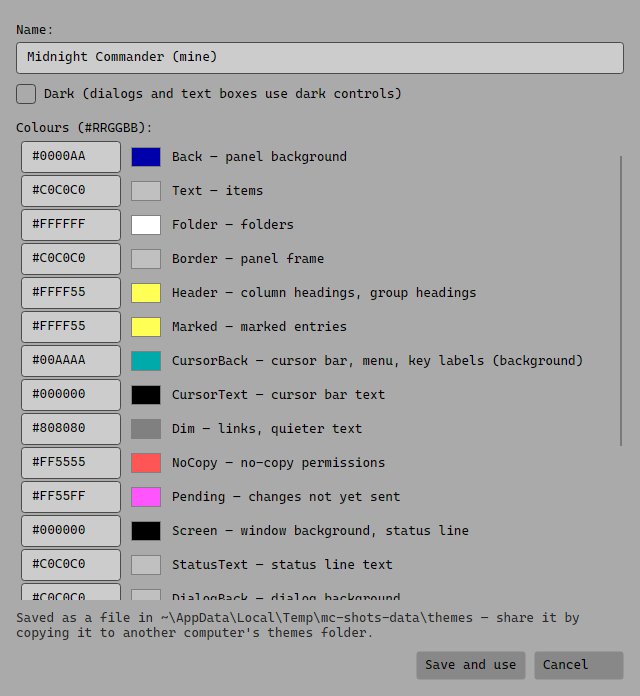
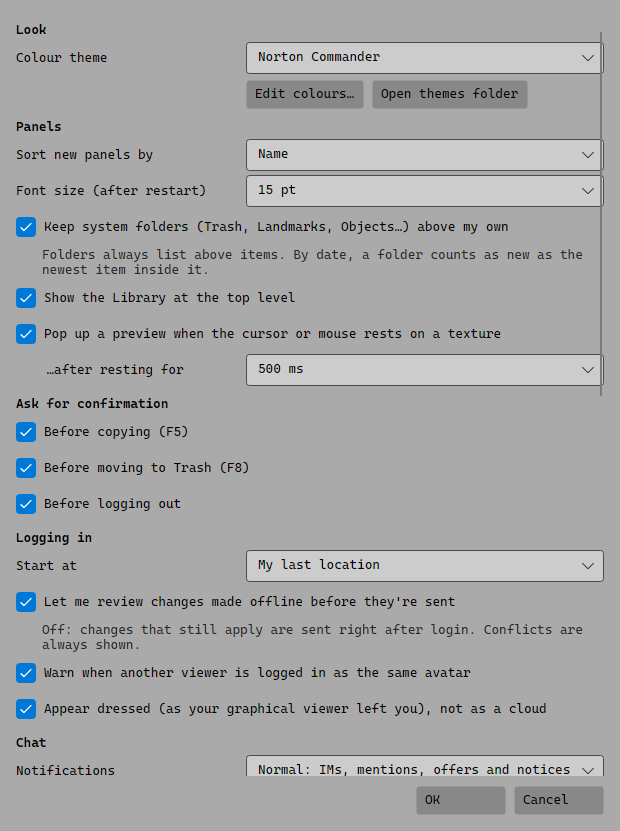
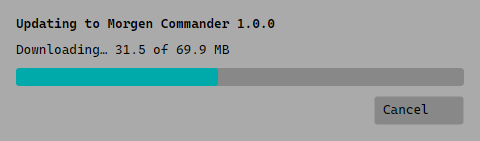
Norton Commander (the default)Midnight CommanderFAR ManagerDarkLightHigh contrastMC Autumn (from Midnight Commander's skins)MC Tokyo NightMC WinterMC SandMaking your own themePreferencesUpdating itself
 Morgen Commander